How to monitor a SafeKit mirror cluster?
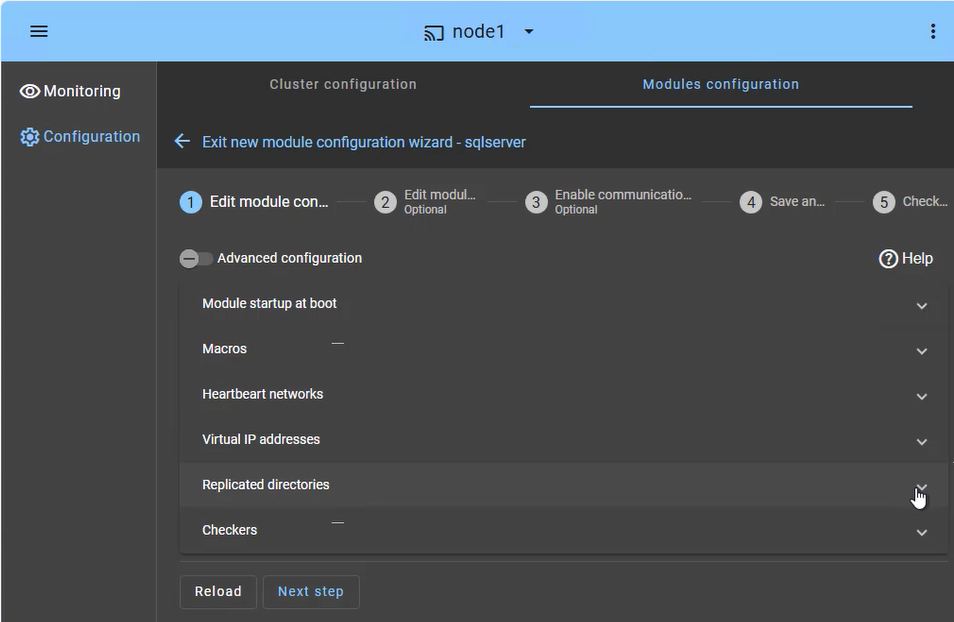
The SafeKit management console offers a unified view of your high availability infrastructure. It allows administrators to monitor the operational state of the cluster and track data synchronization in real-time.
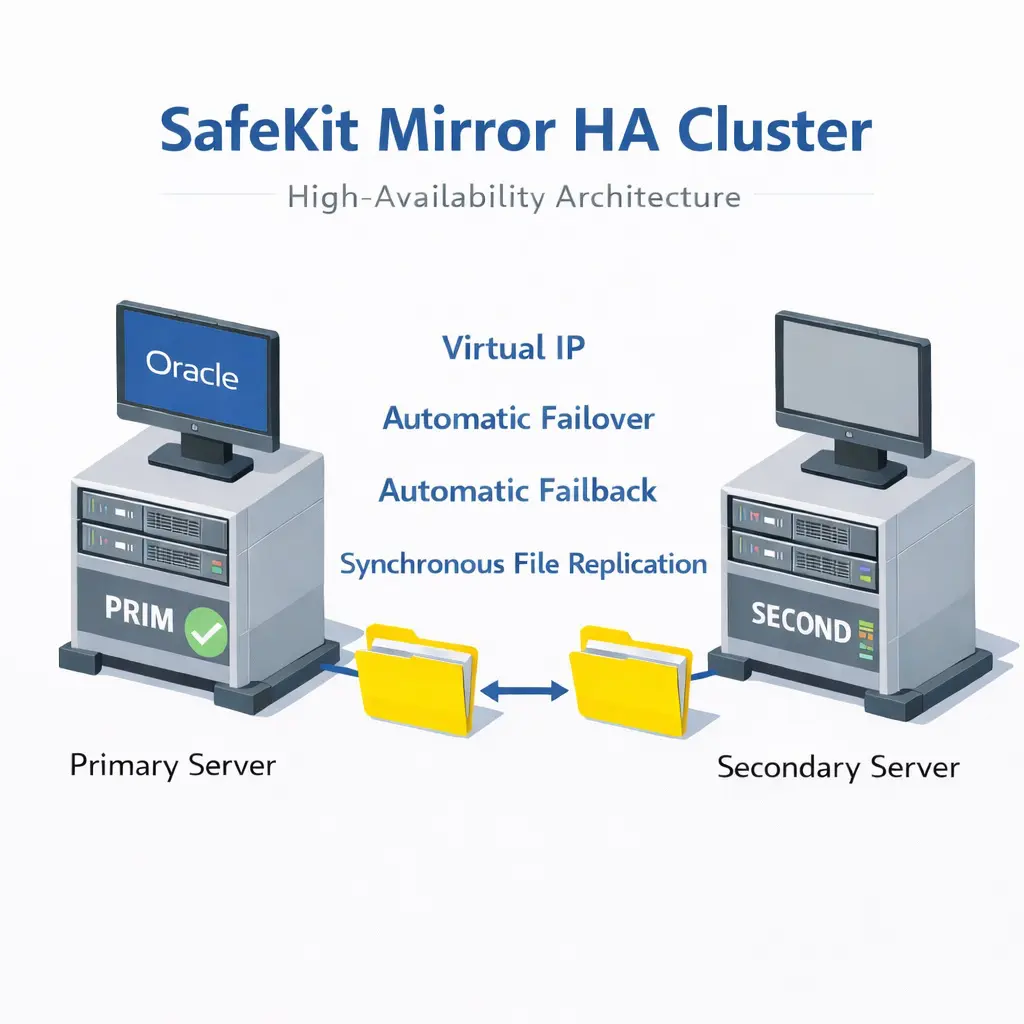
For a 2-node mirror cluster, the console clearly displays the roles of each server:
- PRIM (Primary): The active node currently running the application and managing the Virtual IP. It performs writes to the local storage and real-time replication to the secondary node.
- SECOND (Secondary): The standby node receiving synchronous byte-level updates. It is ready to take over instantly if the Primary fails.
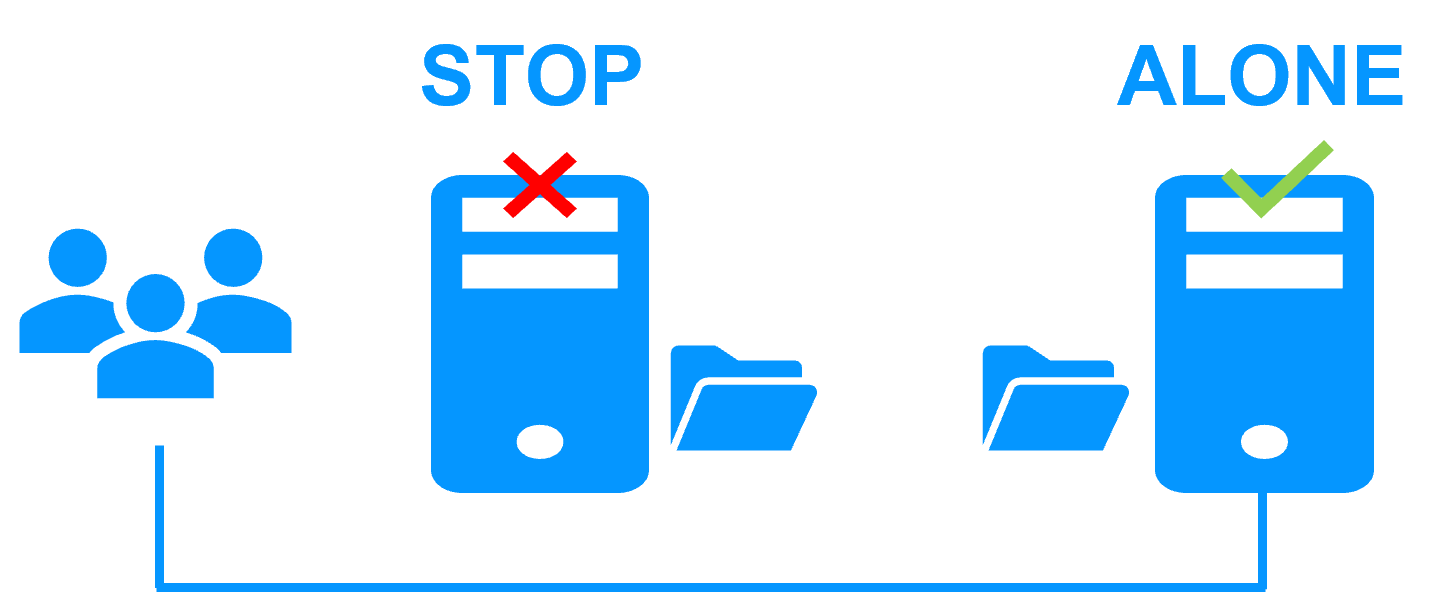
- ALONE State: Visually alerts you when the cluster is running on a single node (e.g., during maintenance or after a failure), indicating that redundancy is temporarily lost.
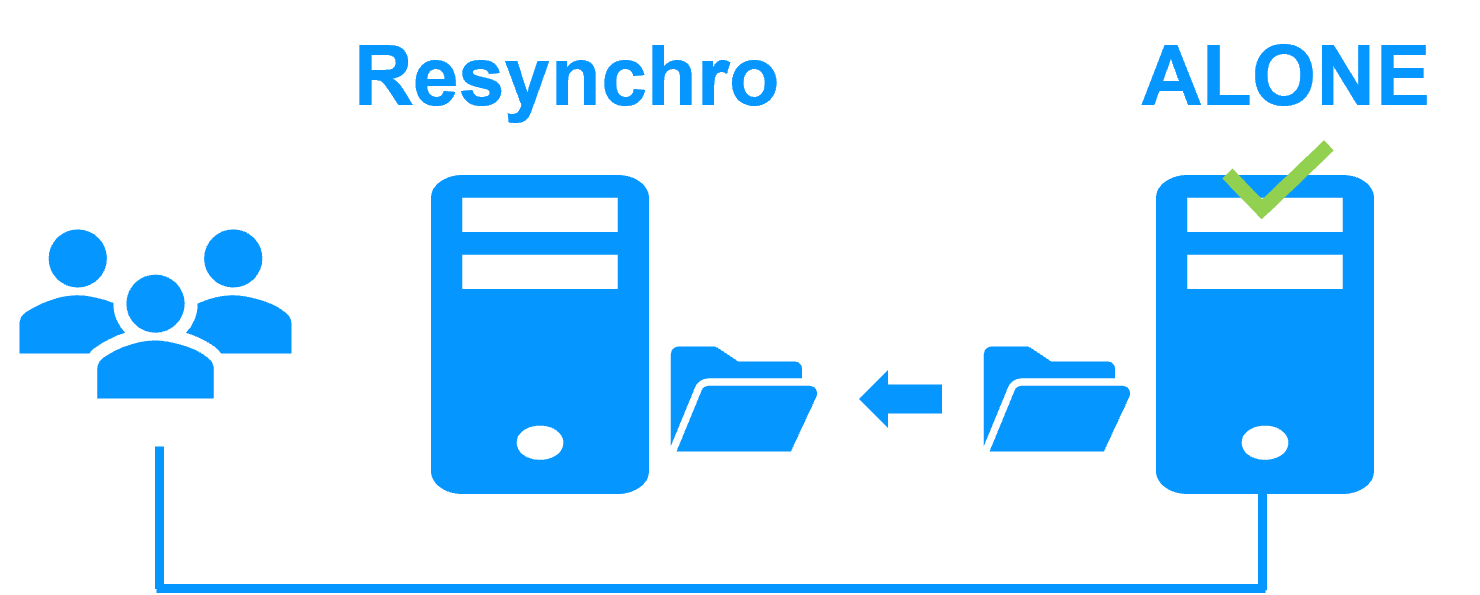
- Resynchronization Progress: When a failed node recovers, its status turns orange during background data reintegration, ensuring no downtime during the "return to normal" phase.
Beyond simple status icons, the interface provides one-click failover orchestration, allowing you to manually swap roles (Primary/Secondary) for planned maintenance without interrupting user activity.