| Architecture |
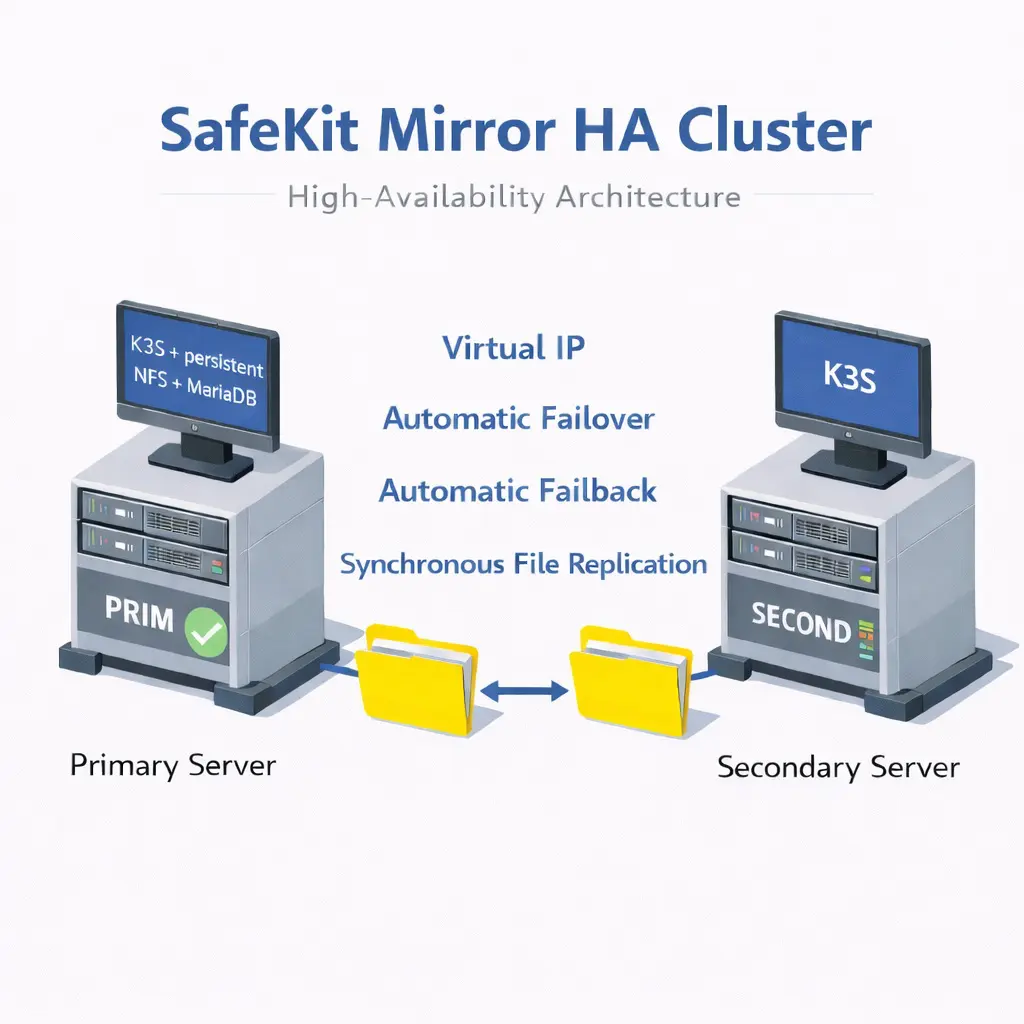
All-in-One: Integrated networking, replication, and failover in a single package. |
DIY (Do It Yourself) Stack: Multiple independent packages required (CNI, CSI, LoadBalancer). |
| Hardware Efficiency |
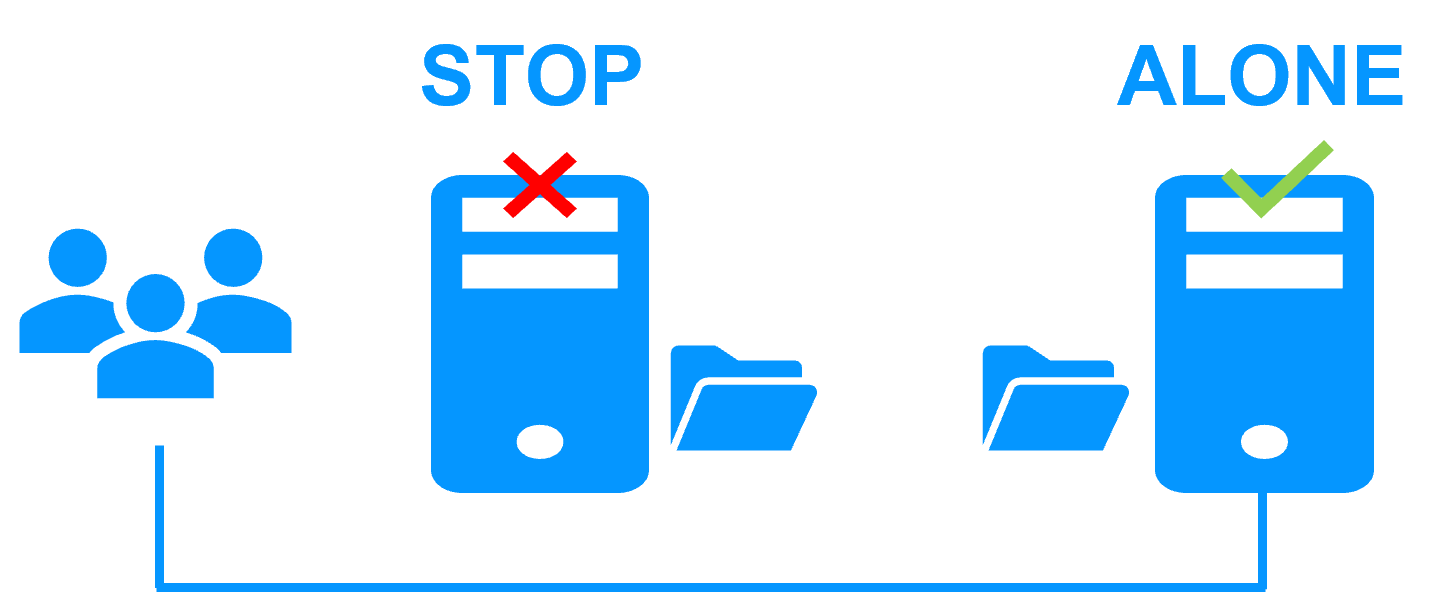
Pure 2-Node HA: Full redundancy without a 3rd "witness" or arbiter node. |
3-Node Minimum: Typically requires odd numbers for Etcd quorum and storage safety. |
| Networking (VIP) |
Native: Virtual IP managed at the OS level; transparent to K3s. |
Complex: Requires MetalLB installation with L2 or BGP configuration using dedicated speaker pods which consume CPU/RAM on each node. |
| Storage Requirements |
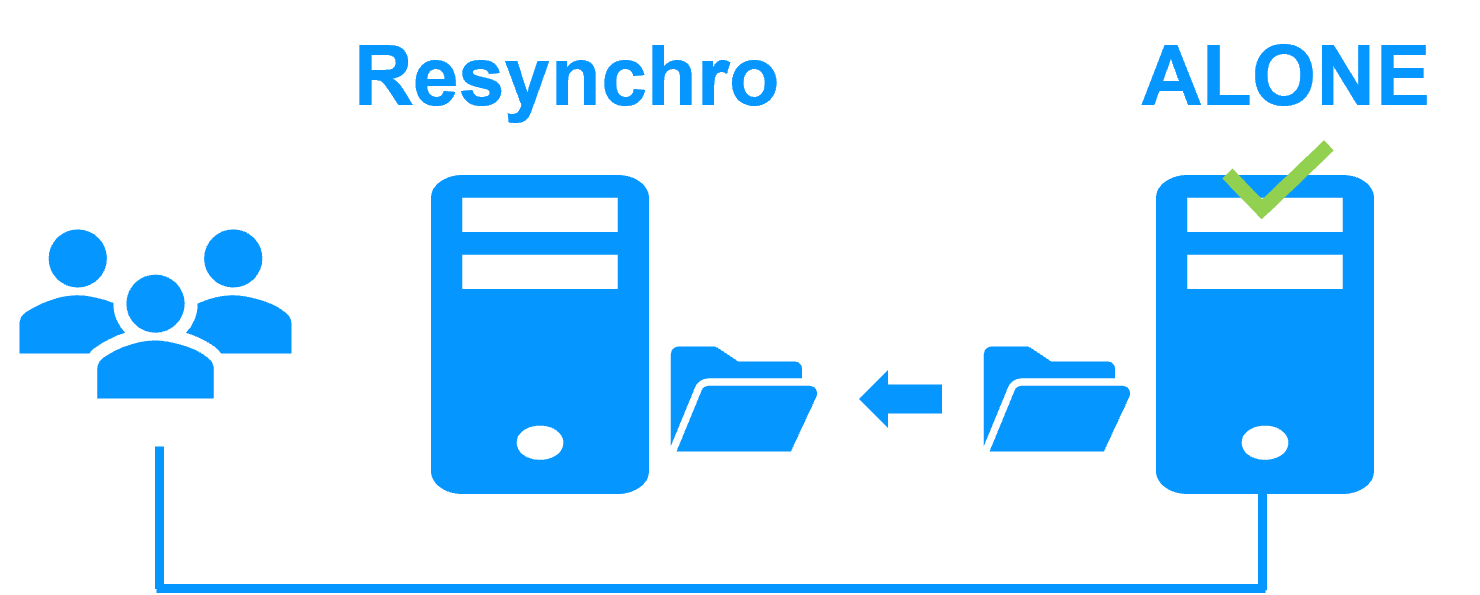
Byte-Level Synchronous: Real-time file replication of existing directories; works on standard system disks; byte-level file replication with minimal CPU/Network overhead. |
Block-Level: Distributed block storage (Longhorn) using dedicated storage pods; higher resource consumption. |
| Failover Intelligence |
Independent Stability: SafeKit operates outside the container runtime. It monitors the OS and hardware directly, ensuring failover even if the Kubernetes control plane or container engine hangs. |
Circular Dependency: Failover logic is hosted inside the pods it is meant to protect. If the host OS or K3s engine hangs, the management pods (MetalLB/Longhorn) also freeze, often requiring manual triage to break the "lock." |
| Administration |
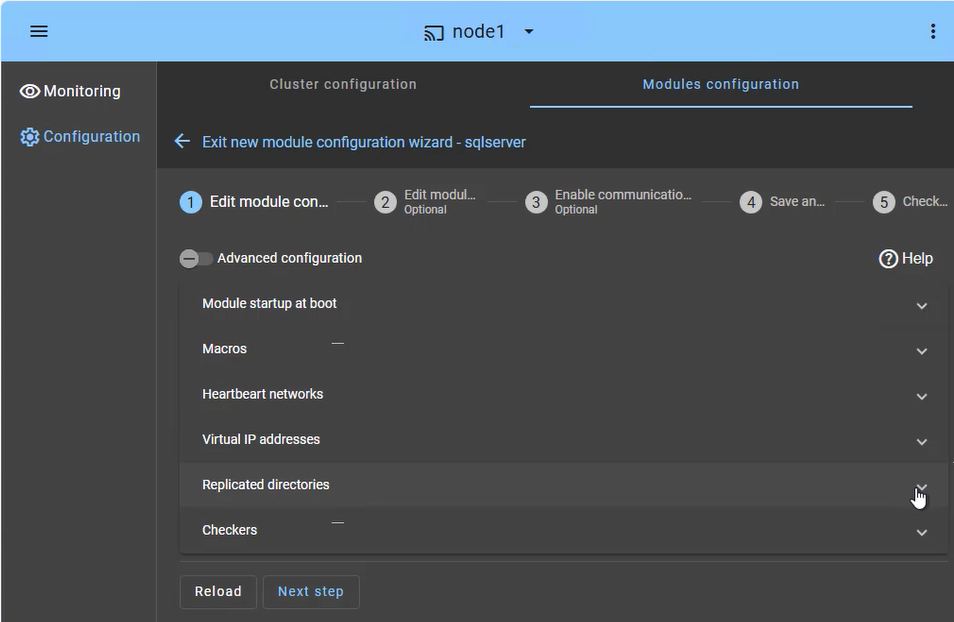
Simplified: Manageable via a single web console; no Kubernetes expert required. |
Specialized: Requires deep knowledge of YAML, Helm, and K8s internal controllers. |