eviden-logo

Evidian > Products > SafeKit: Simple, Cost-Effective High Availability Software > Mirror cluster with file replication at byte level and application failover

Mirror cluster with file replication at byte level and application failover

Evidian SafeKit

Real time file replication and application failover

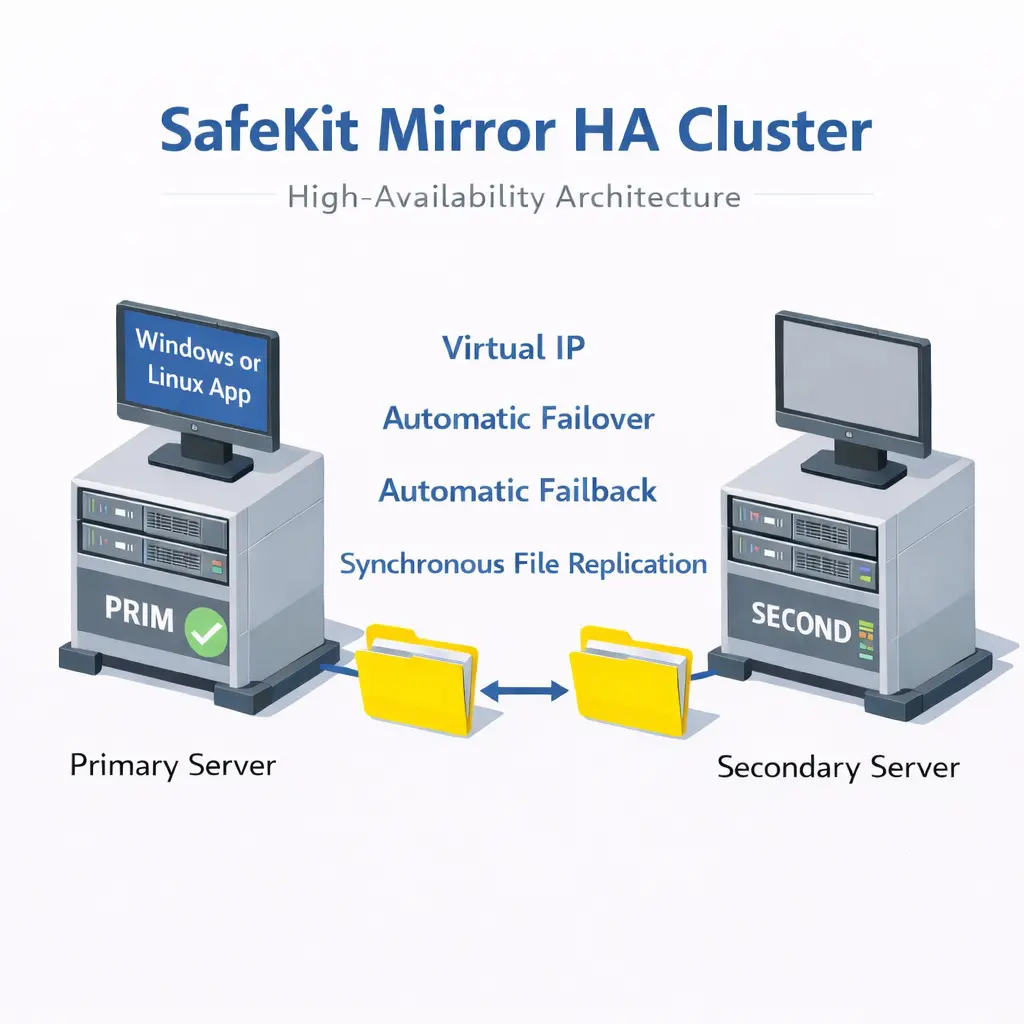
The mirror cluster is an active-passive high-availability solution, built by deploying a mirror module within a two-node cluster. The application runs on a primary server and is restarted automatically on a secondary server if the primary server fails.

With its real-time file replication function, this architecture is particularly suited to providing high availability for back-end applications with critical data to protect against failure.

Microsoft SQL Server, PostgreSQL, MariaDB, Oracle, Milestone, Nedap, Docker, Podman, Hyper-V, and KVM solutions are examples of mirror modules. You can create your own mirror module for your application based on the generic mirror.safe module.

Note that Hyper-V and KVM mirror modules replicate entire virtual machines, including applications and operating systems. They do not require a virtual IP, as the VM restart handles the failover of the VM physical IP address.

How the SafeKit mirror cluster works with Windows or Linux?

Step 1. Real-time replication

Server 1 (PRIM) runs the Windows or Linux application. Clients are connected to a virtual IP address. SafeKit replicates in real time modifications made inside files through the network.

File replication at byte level in a mirror Windows or Linux cluster

The replication is synchronous with no data loss on failure contrary to asynchronous replication.
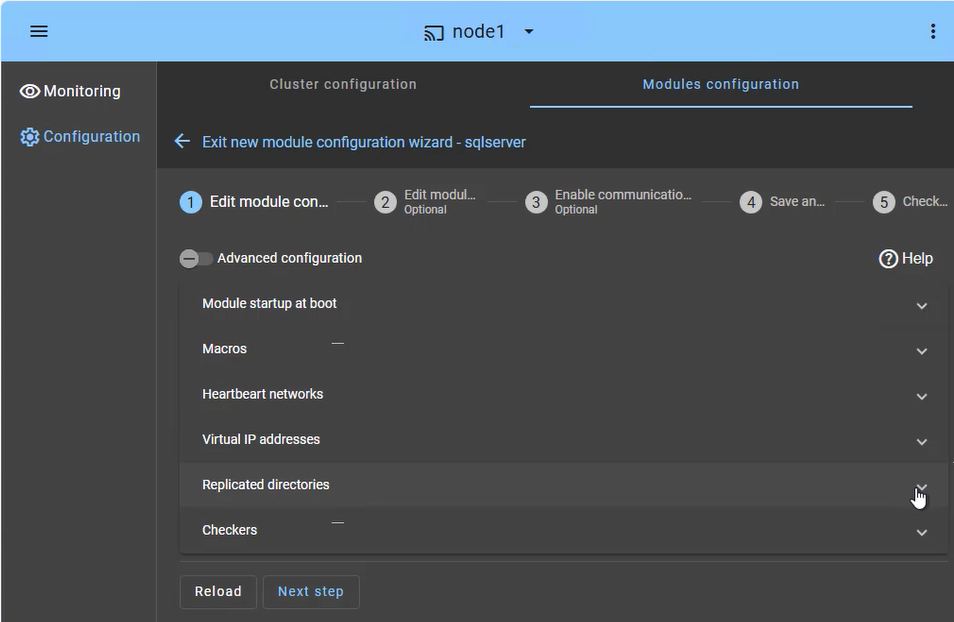
You just have to configure the names of directories to replicate in SafeKit. There are no pre-requisites on disk organization. Directories may be located in the system disk.

Step 2. Automatic failover

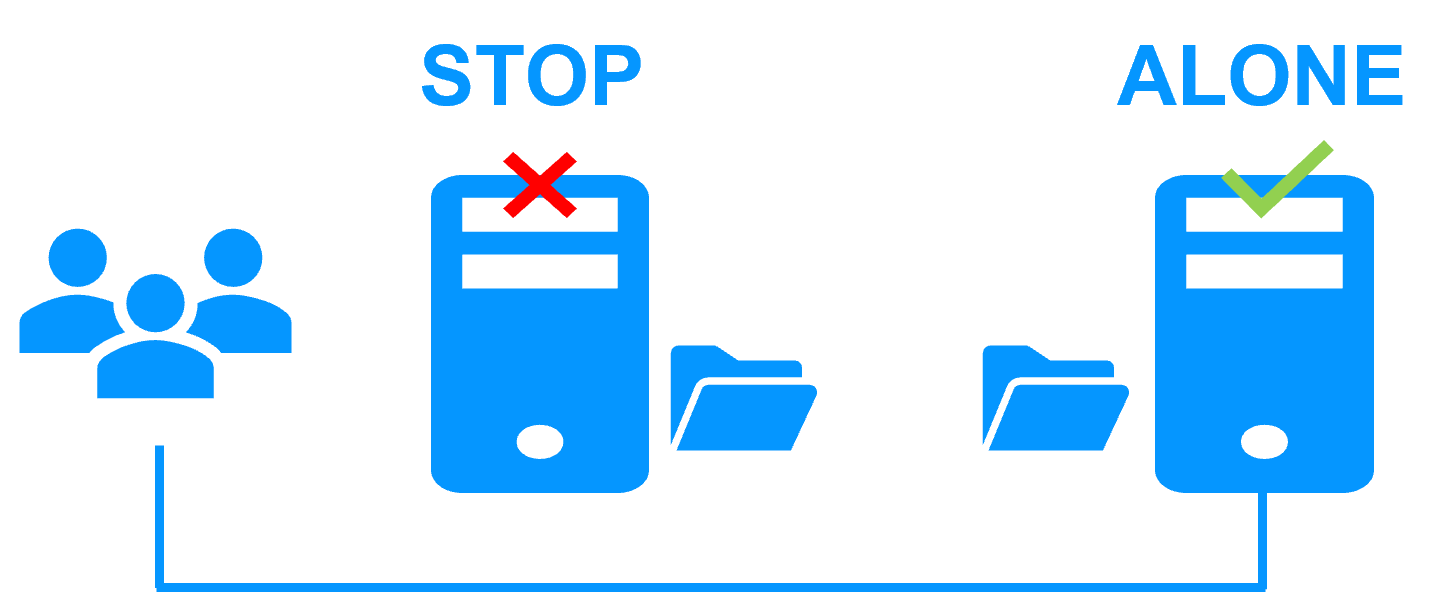
When Server 1 fails, Server 2 takes over. SafeKit switches the virtual IP address and restarts the Windows or Linux application automatically on Server 2.
The application finds the files replicated by SafeKit uptodate on Server 2. The application continues to run on Server 2 by locally modifying its files that are no longer replicated to Server 1.

Failover of Windows or Linux in a mirror cluster

The failover time is equal to the fault-detection time (30 seconds by default) plus the application start-up time.

Step 3. Automatic failback

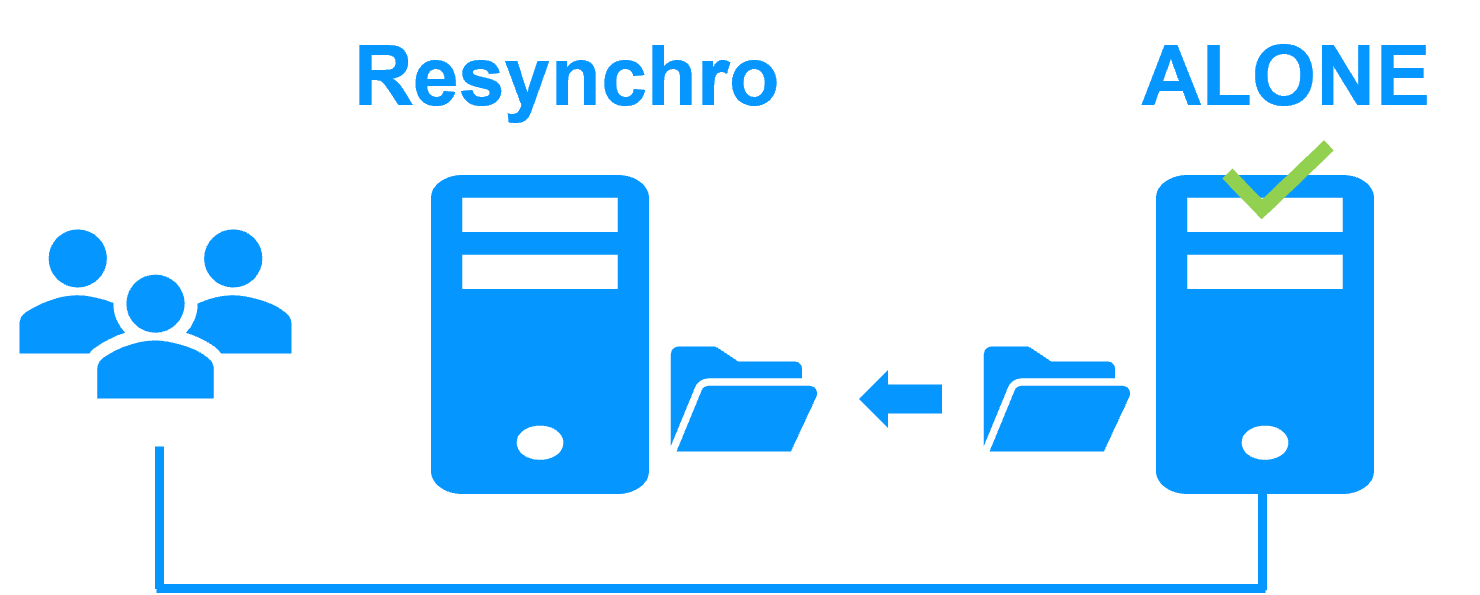
Failback involves restarting Server 1 after fixing the problem that caused it to fail.
SafeKit automatically resynchronizes the files, updating only the files modified on Server 2 while Server 1 was halted.

Failback in a mirror Windows or Linux cluster

Failback takes place without disturbing the Windows or Linux application, which can continue running on Server 2.

Step 4. Back to normal

After reintegration, the files are once again in mirror mode, as in step 1. The system is back in high-availability mode, with the Windows or Linux application running on Server 2 and SafeKit replicating file updates to Server 1.

Return to normal operation in a mirror Windows or Linux cluster

If the administrator wishes the application to run on Server 1, he/she can execute a "swap" command either manually at an appropriate time, or automatically through configuration.

๐Ÿ” SafeKit High Availability Navigation Hub

Explore SafeKit: Features, technical videos, documentation, and free trial
Resource Type Description Direct Link
Features Why Choose SafeKit for Simple and Cost-Effective High Availability? View Features
Partners SafeKit: The Benchmark in High Availability for Partners SafeKit for Partners
VM vs App HA SafeKit: High Availability (HA) and Redundancy Choices VM/App Choice
Typical Usage Typical usage with SafeKit and Limitations Usage and Limitations
Videos SafeKit: Technical Demonstrations and Tutorials Watch Videos
Mirror Cluster How the SafeKit mirror cluster works (real-time file replication and failover)? Mirror Cluster
Farm Cluster How the SafeKit farm cluster works (network load balancing and failover)? Farm Cluster
Differentiators Comparison of SafeKit with Traditional High Availability (HA) Clusters View Benefits
Resources SafeKit High Availability Resources, Downloads, and Documentation Access Resources
Application Modules SafeKit Application Module Library: Ready-to-Use Solutions Browse Modules