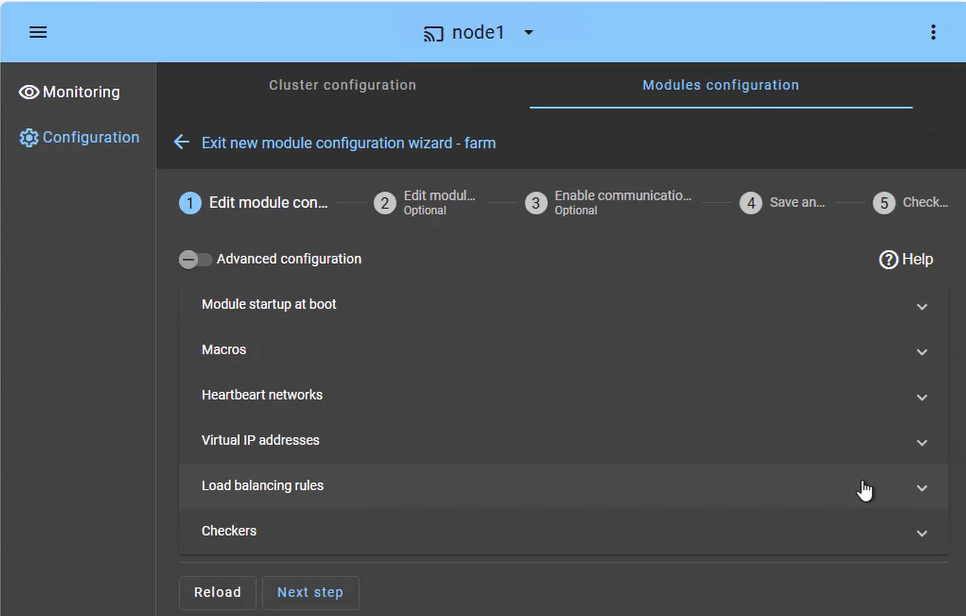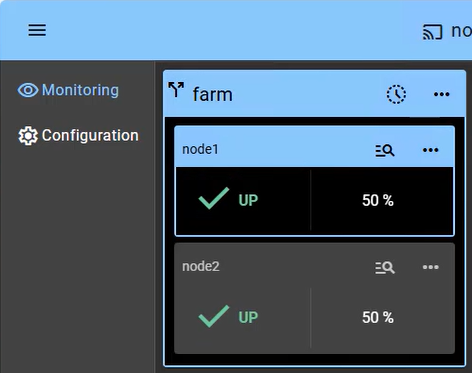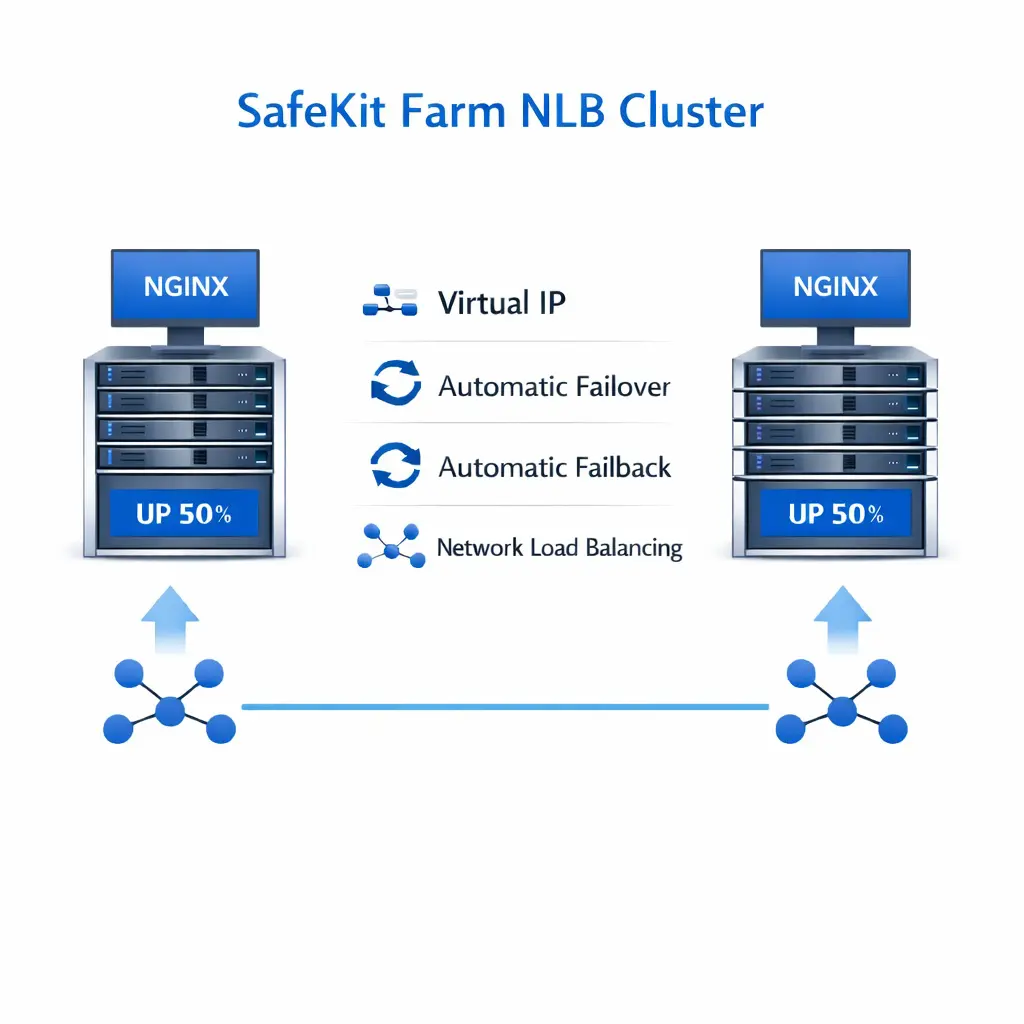
NGINX: The Simplest Load Balancing Cluster with Failover
Evidian SafeKit
The solution for NGINX
Evidian SafeKit brings load balancing and failover to NGINX.
This article explains how to implement quickly a NGINX cluster without network load balancers, dedicated proxy servers or special MAC addresses. SafeKit is installed directly on the NGINX servers.
A generic product
Note that SafeKit is a generic product on Windows and Linux.
You can implement with the SafeKit product real-time replication and failover of any file directory and service, database, complete Hyper-V or KVM virtual machines, Docker, Podman, K3S, Cloud applications (see all solutions).
A complete solution
SafeKit solves:
- hardware failures (20% of problems), including the complete failure of a computer room,
- software failures (40% of problems), including restart of critical processes,
- and human errors (40% of problems) thanks to its ease of use and its web console.
How the SafeKit farm cluster works with NGINX?
Virtual IP address in a farm cluster
On the previous figure, the NGINX application is running on the 3 servers (3 is an example, it can be 2 or more). Users are connected to a virtual IP address.
The virtual IP address is configured locally on each server in the farm cluster.
The input traffic to the virtual IP address is received by all the servers and split among them by a network filter inside each server's kernel.
SafeKit detects hardware and software failures, reconfigures network filters in the event of a failure, and offers configurable application checkers and recovery scripts.
Load balancing in a network filter
The network load balancing algorithm inside the network filter is based on the identity of the client packets (client IP address, client TCP port). Depending on the identity of the client packet input, only one filter in a server accepts the packet; the other filters in other servers reject it.
Once a packet is accepted by the filter on a server, only the CPU and memory of this server are used by the NGINX application that responds to the request of the client. The output messages are sent directly from the application server to the client.
If a server fails, the farm heartbeat protocol reconfigures the filters in the network load balancing cluster to re-balance the traffic on the remaining available servers.
Stateful or stateless applications
With a stateful NGINX application, there is session affinity. The same client must be connected to the same server on multiple TCP sessions to retrieve its context on the server. In this case, the SafeKit load balancing rule is configured on the client IP address. Thus, the same client is always connected to the same server on multiple TCP sessions. And different clients are distributed across different servers in the farm.
With a stateless NGINX application, there is no session affinity. The same client can be connected to different servers in the farm on multiple TCP sessions. There is no context stored locally on a server from one session to another. In this case, the SafeKit load balancing rule is configured on the TCP client session identity. This configuration is the one which is the best for distributing sessions between servers, but it requires a TCP service without session affinity.
How the SafeKit mirror cluster works?
Step 1. Real-time replication
Server 1 (PRIM) runs the application. Clients are connected to a virtual IP address. SafeKit replicates in real time modifications made inside files through the network.
The replication is synchronous with no data loss on failure contrary to asynchronous replication.
You just have to configure the names of directories to replicate in SafeKit. There are no pre-requisites on disk organization. Directories may be located in the system disk.
Step 2. Automatic failover
When Server 1 fails, Server 2 takes over. SafeKit switches the virtual IP address and restarts the application automatically on Server 2.
The application finds the files replicated by SafeKit uptodate on Server 2. The application continues to run on Server 2 by locally modifying its files that are no longer replicated to Server 1.
The failover time is equal to the fault-detection time (30 seconds by default) plus the application start-up time.
Step 3. Automatic failback
Failback involves restarting Server 1 after fixing the problem that caused it to fail.
SafeKit automatically resynchronizes the files, updating only the files modified on Server 2 while Server 1 was halted.
Failback takes place without disturbing the application, which can continue running on Server 2.
Step 4. Back to normal
After reintegration, the files are once again in mirror mode, as in step 1. The system is back in high-availability mode, with the application running on Server 2 and SafeKit replicating file updates to Server 1.
If the administrator wishes the application to run on Server 1, he/she can execute a "swap" command either manually at an appropriate time, or automatically through configuration.
Why a replication of a few Tera-bytes?
Resynchronization time after a failure (step 3)
- 1 Gb/s network ≈ 3 Hours for 1 Tera-bytes.
- 10 Gb/s network ≈ 1 Hour for 1 Tera-bytes or less depending on disk write performances.
Alternative
- For a large volume of data, use external shared storage.
- More expensive, more complex.
Why a replication < 1,000,000 files?
- Resynchronization time performance after a failure (step 3).
- Time to check each file between both nodes.
Alternative
- Put the many files to replicate in a virtual hard disk / virtual machine.
- Only the files representing the virtual hard disk / virtual machine will be replicated and resynchronized in this case.
Why a failover ≤ 32 replicated VMs?
- Each VM runs in an independent mirror module.
- Maximum of 32 mirror modules running on the same cluster.
Alternative
- Use an external shared storage and another VM clustering solution.
- More expensive, more complex.
Why a LAN/VLAN network between remote sites?
- Automatic failover of the virtual IP address with 2 nodes in the same subnet.
- Good bandwidth for resynchronization (step 3) and good latency for synchronous replication (typically a round-trip of less than 2ms).
Alternative
- Use a load balancer for the virtual IP address if the 2 nodes are in 2 subnets (supported by SafeKit, especially in the cloud).
- Use backup solutions with asynchronous replication for high latency network.
Comparison of SafeKit with Traditional High Availability (HA) Clusters
How does SafeKit compare to traditional High Availability (HA) cluster solutions?
| Solutions | Complexity | Comments |
|---|---|---|
| Failover Cluster (Microsoft) | High | Specific Storage (shared storage, SAN) |
| Virtualization (VMware HA) | High | Specific Storage (shared storage, SAN, vSAN) |
| SQL Always-On (Microsoft) | High | Only SQL is redundant, requires SQL Enterprise Edition |
| Evidian SafeKit | Low | Simplest, generic and software-only. Unsuitable for large data replication. |
SafeKit's Advantage in Application Redundancy
SafeKit achieves its low-complexity High Availability through a simple, software-based mirroring mechanism that eliminates the need for expensive, dedicated hardware like a SAN (Storage Area Network). This makes it a highly accessible solution for quickly implementing application redundancy without complex infrastructure changes.Architectural Differentiators: SafeKit Software-Defined vs. Hardware HA Clusters
Which High Availability Architecture Is Right for You: SafeKit Software Clustering or Traditional Hardware Clustering?
| SafeKit (Software Clustering) | Hardware Clustering |
|---|---|
|
|
| SafeKit (Shared Nothing Cluster) | Shared Disk Cluster |
|---|---|
|
|
| Application High Availability | Virtual Machine High Availability |
|---|---|
|
|
| SafeKit (High Availability) | Fault Tolerance |
|---|---|
|
|
| SafeKit (Synchronous Replication) | Asynchronous Replication |
|---|---|
|
|
| SafeKit (Byte-level File Replication) | Block-level Disk Replication |
|---|---|
|
|
| SafeKit | Traditional HA |
|---|---|
|
|
| SafeKit | Traditional HA |
|---|---|
|
|
Summary and Key Takeaways for High Availability
The architectural choice between software clustering (like SafeKit) and hardware clustering (traditional shared-disk/SAN) significantly impacts deployment complexity, operational costs, and recovery effectiveness. The key takeaway from this comparison is the shift toward shared-nothing, application-level HA which prioritizes rapid application recovery (low RTO) and deployment flexibility (even across remote sites), often resulting in a more streamlined and resilient solution than highly complex, hardware-dependent cluster configurations. For maximum business continuity with simplified management, evaluating a software-based approach is essential.Key Differentiators of the SafeKit Mirror Cluster
What are the key features and advantages of the SafeKit Mirror Cluster for High Availability (HA)?
| Feature Category & Advantage | Detailed Benefit and Mechanism |
|---|---|
3 products in 1
More info >
![]() |
|
Very simple configuration
More info >
![]() |
|
Synchronous replication
More info >
![]() |
|
Fully automated failback
More info >
![]() |
|
Replication of any type of data
More info >
![]() |
|
File replication vs disk replication
More info >
![]() |
|
File replication vs shared disk
More info >
![]() |
|
Remote sites and virtual IP address
More info >
![]() |
|
Quorum and split brain
More info >
![]() |
|
Active/active cluster
More info >
![]() |
|
Uniform high availability solution
More info >
![]() |
|
RTO / RPO
More info >
![]() |
|
Summary of SafeKit Mirror Cluster Benefits for High Availability
In summary, the SafeKit mirror cluster delivers a compelling high availability solution through its shared-nothing architecture and synchronous file replication. By offering a unified platform that bundles replication, monitoring, and failover/failback mechanisms, it successfully addresses critical enterprise needs like zero data loss (RPO=0) and fast Recovery Time Objectives (RTO) of around 1 minute or less. Its simplicity, lack of dependency on expensive SANs or enterprise OS editions, and ability to handle remote sites and active-active configurations make it a highly cost-effective and flexible alternative to complex traditional cluster solutions.Key Differentiators of the SafeKit Farm Cluster
What are the key differentiators of the SafeKit Farm Cluster for load balancing and failover?
| Feature Category & Advantage | Detailed Benefit and Mechanism |
|---|---|
No load balancer or dedicated proxy servers or special multicast Ethernet address
More info >
![]() |
|
All clustering features
More info >
![]() |
|
Remote sites and virtual IP address
More info >
![]() |
|
Uniform high availability solution
More info >
![]() |
|
Summary of SafeKit Farm Cluster Benefits for Load Balancing
In conclusion, the SafeKit Farm Cluster provides a unified, software-based approach to load balancing and high availability that dramatically lowers complexity and cost. By embedding load balancing and failover directly into the application server layer using a standard virtual IP address, it avoids the need for external network hardware (load balancers or proxies) and specialized multicast configurations. This integrated approach, coupled with its ability to combine with the mirror cluster for full N-tiers HA, makes SafeKit a uniquely simple and comprehensive solution for achieving scalable and resilient application delivery across diverse environments.SafeKit HA Comparison: Virtual Machine Level vs. Application Level
What are the fundamental differences between SafeKit's VM-based and Application-based High Availability?
| Comparison Feature | VM HA with SafeKit Hyper-V or KVM Module | Application HA with SafeKit Application Modules |
|---|---|---|
| Deployment Diagram | ![]() |
![]() |
| Failover Scope | SafeKit inside 2 hypervisors: replication and failover of the full VM. | SafeKit inside 2 virtual or physical machines: replication and failover at the application level. |
| Data Replicated | Replicates more data (Application + Operating System). | Replicates only application data, leading to smaller data volumes. |
| Recovery Process & Speed (RTO) | Reboot of VM on hypervisor 2 if hypervisor 1 crashes. Recovery time depends on the OS reboot. VM checker and failover mechanism. | Quick recovery time with restart of App on OS2 if server 1 crashes. Typically around 1 minute or less (low RTO). Application checker and software failover. |
| Configuration |
Generic solution for any application / OS running in the VM.
|
It requires a technical understanding of the application itself.
|
| Platform Compatibility | Works with Windows/Hyper-V and Linux/KVM but is not compatible with VMware. | Platform agnostic; works with physical or virtual machines, cloud infrastructure, and any hypervisor, including VMware. |
Final Recommendation: VM HA for Generality vs. Application HA for Low RTO
In summary, choosing between SafeKit's VM HA and Application HA depends on the priority. VM HA is a generic solution ideal for environments standardized on Hyper-V or KVM, offering redundancy for the entire operating system stack, though with a potentially longer Recovery Time Objective (RTO) due to the VM reboot. Conversely, Application HA provides superior agility and platform agnosticism, including support for VMware, resulting in a much lower RTO by focusing solely on critical application data replication and restart. For the lowest RTO and maximum deployment flexibility, Application HA is the optimal SafeKit choice.VM High Availability: SafeKit's SAN-Less vs. Hyper-V/VMware HA
What is the difference between SafeKit VM High Availability and Traditional Shared Storage Clusters (Hyper-V Cluster and VMware HA)?
| SafeKit (with Hyper-V or KVM Module) | Microsoft Hyper-V Cluster & VMware HA (Traditional) |
|---|---|
![]() |
![]() |
| No shared disk required - uses synchronous real-time replication instead, ensuring no data loss. | Requires shared disk and a specific external disk bay (SAN). |
| Supports Remote Sites without requiring SAN replication across locations. | Remote sites typically require replicating disk bays across a complex SAN setup. |
| No specific IT skill is required to configure the system (using hyperv.safe and kvm.safe). | Requires specific, high-level IT skills to configure the cluster and SAN infrastructure. |
| Note that the Hyper-V/SafeKit and KVM/SafeKit solutions are limited to replication and failover of 32 VMs. | Note that the Hyper-V built-in replication (Hyper-V Replica) does not qualify as a high availability solution. This is because the replication is asynchronous, which can result in data loss during failures, and it lacks automatic failover and failback capabilities. |