16. Replicating snapshots
The directory that contains the snapshot xml files is:
/var/lib/libvirt/qemu/snapshot/%VM_NAME%
where VM_NAME is the name of the virtual machine (vm1).
Note: If no snapshot has been created, create one to generate the directory (else the SafeKit configuration will fail).
To replicate it:
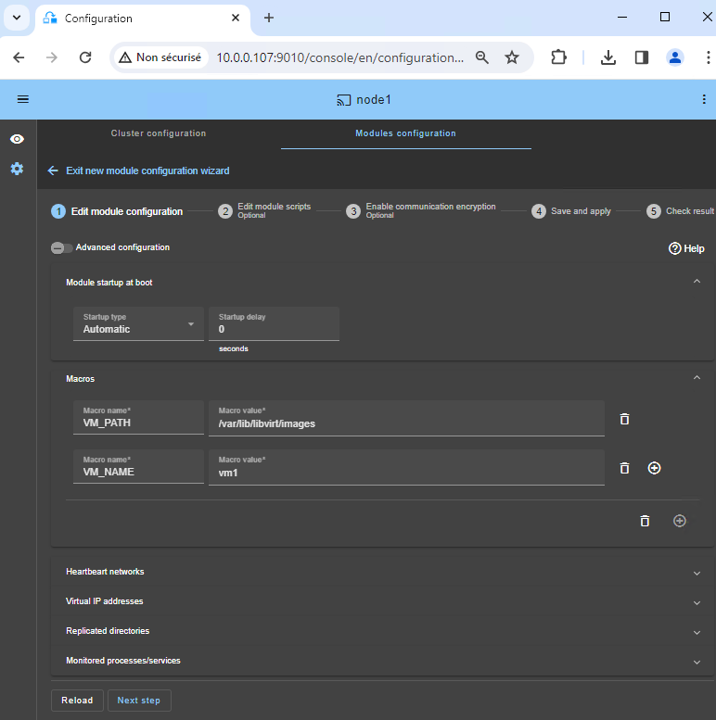
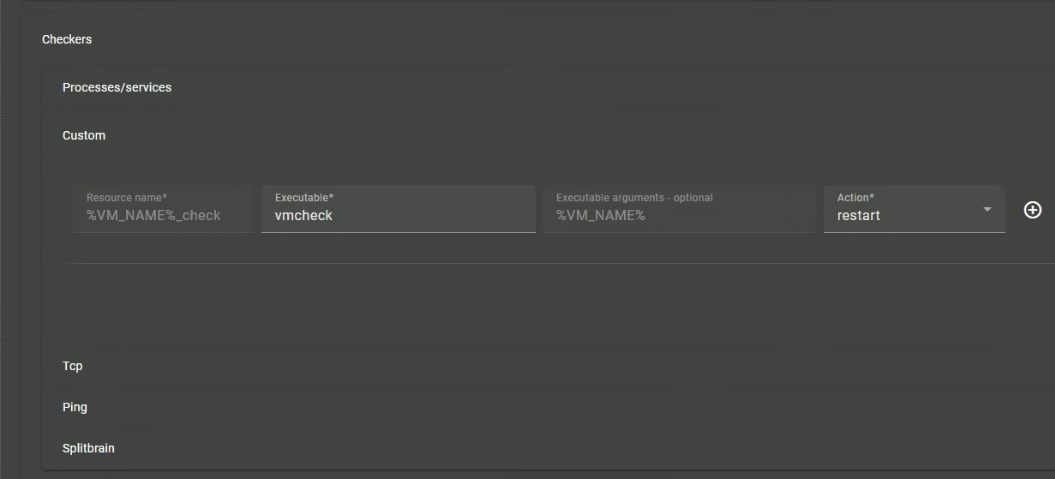
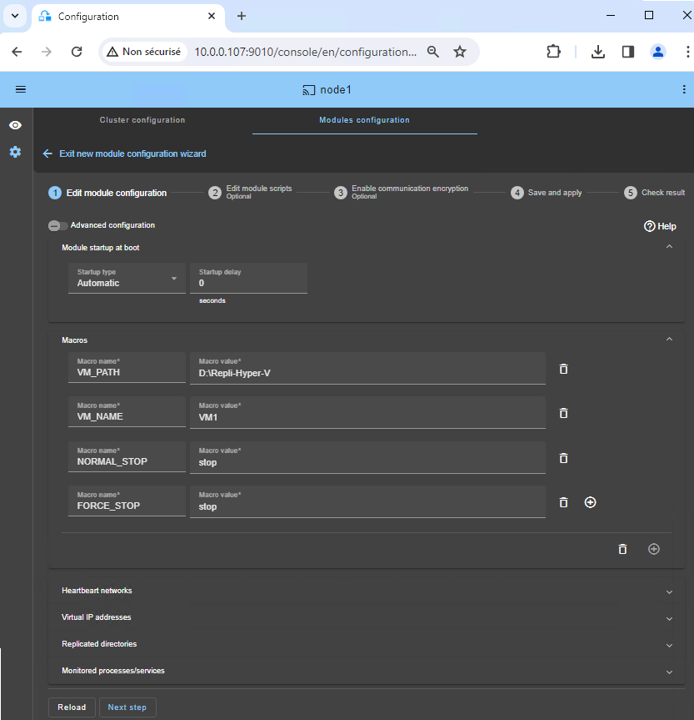
- In the module configuration, click on
Advanced Configuration (see image) to edit userconfig.xml.
- Insert the lines below into the
<rfs> section of userconfig.xml:
<replicated dir="/var/lib/libvirt/qemu/snapshot/%VM_NAME%" mode="read_only"> </replicated>
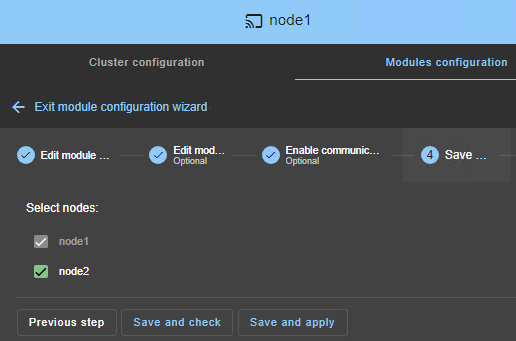
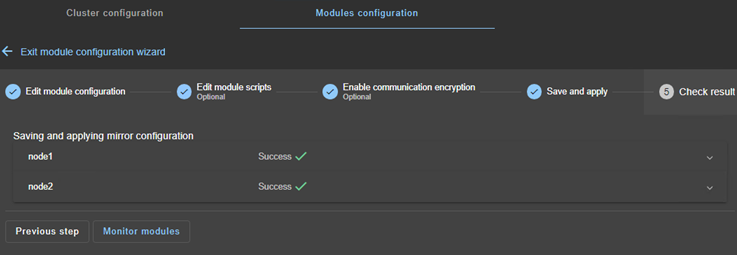
Save and apply the new configuration to redeploy the modified userconfig.xml file on both nodes (module must be stopped on both nodes to save and apply).- Create snapshots on the PRIM node either through virt-manager or a command line:
virsh snapshot-create-as vm1 snapshot-name
Note: when creating a snapshot with a command line, you have to refresh the snapshot view into virt-manager.
Snapshots created on the PRIM node are operationnal on node 2 after failover, but not listed on node 2.