16. Automatic restart if a critical service fails inside the VM
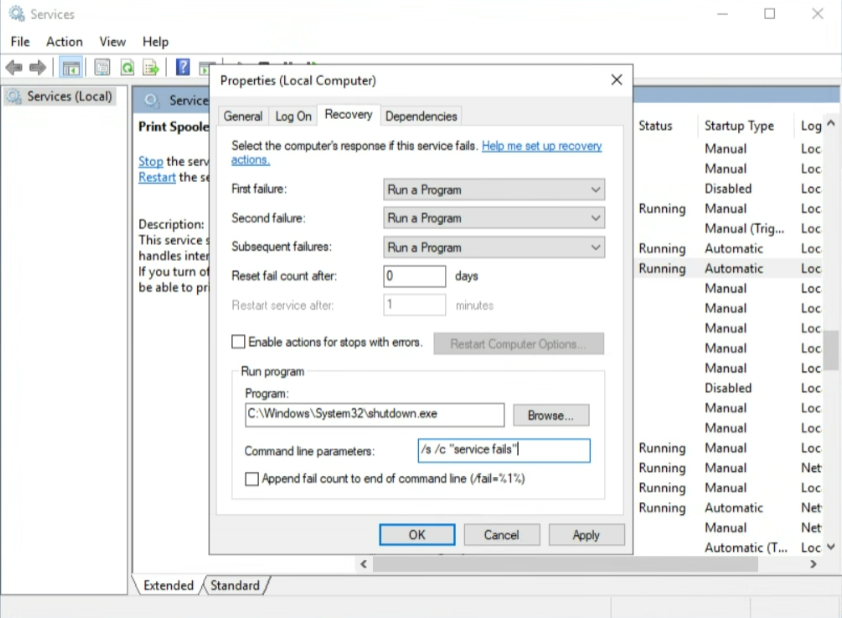
If you want an automatic restart or failover when a critical service inside the VM fails, you can configure the Recovery properties of the service (see image).
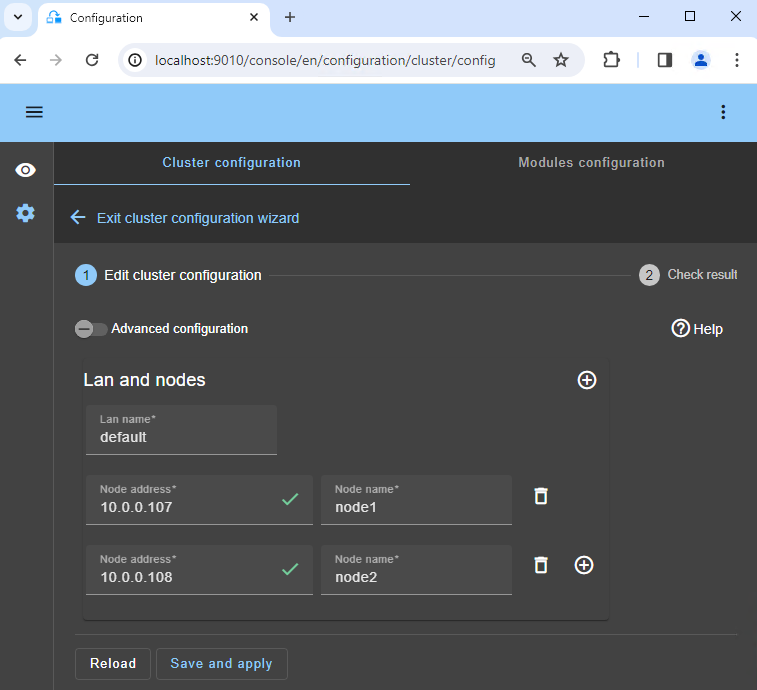
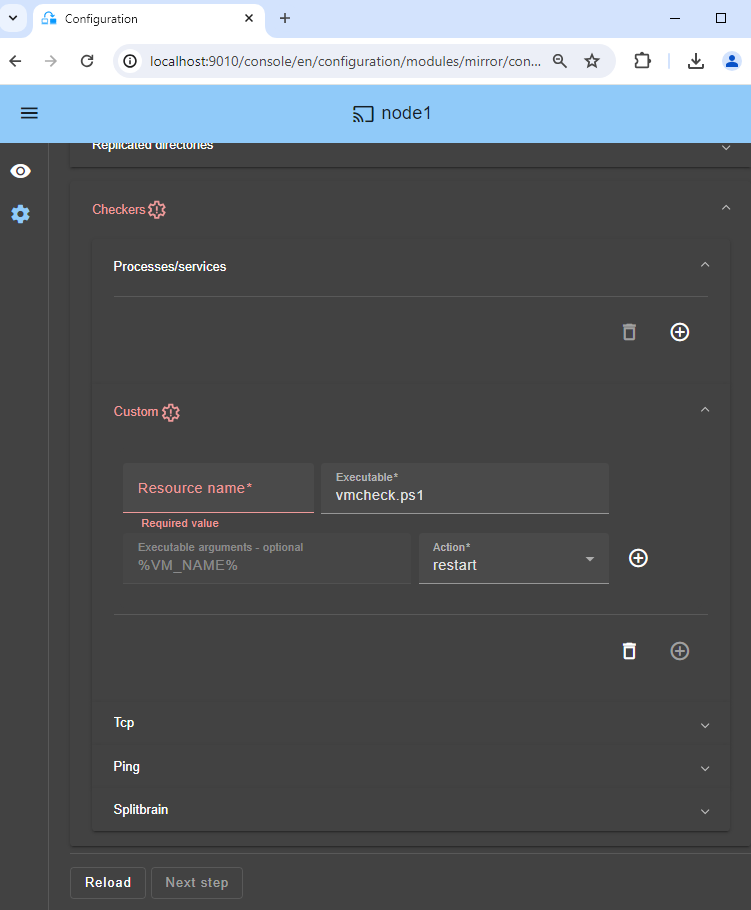
First you must configure the custom checker previously described.
And then in Microsoft Service Manager inside the VM, select your critical service and in the recovery property of the service, you just have to configure shutdown of the VM when the critical service fails.
For that, in the Recovery options of your critical service, choose "Run a Program" on failures and in Run program options, set"C:WindowsSystem32shutdown.exe" and in "Command line parameters", set /s /c "service fails".
Of course, you can implement more subtle recovery with your own scripts. But just be aware that shutting down the VM will enable the custom checker in the host. The custom checker will detect that the Hyper-V heartbeat is no more responding and will restart the VM on the same Hyper-V server or will make a failover on the other Hyper-V server (depending on its configuration).
To test the feature, use Task Manager and kill the process (End task) associated to the critical service. A clean stop of the service through Service Manager or the "net stop" command does not trigger the recovery action inside Windows Service Manager.