eviden-logo

Evidian > Products > SafeKit: Simple, Cost-Effective High Availability Software > Data replication techniques

Data replication techniques

Evidian SafeKit

Data replication techniques at database level, disk level or file level?

Overview

This article explores the pros and cons of data replication techniques at database level, disk level and file level for high availability clusters. We are looking at failover, failback, simplicity of implementation.

Data replication techniques

The following comparative tables explain in detail the data replication techniques implemented by SafeKit, a high availability software product.

What is the data replication technique at database level?

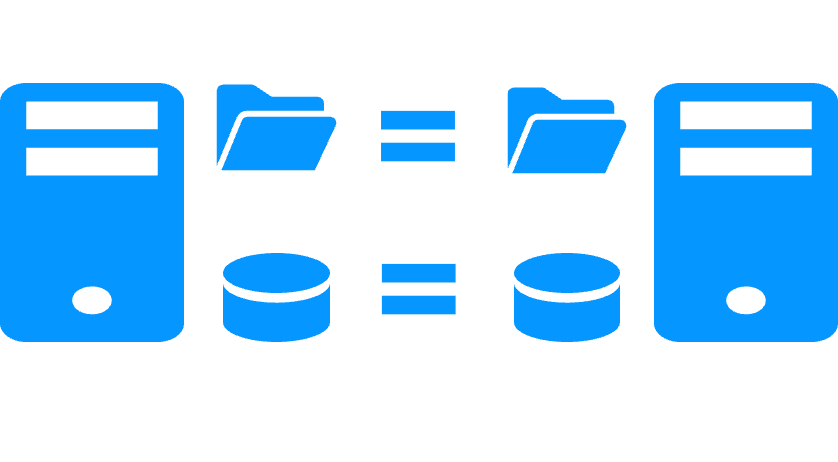
It is the replication of log files between two servers made by the database management system (like the SQL Server log).

For an automatic failover, it is mandatory to have synchronous replication otherwise the data of the last validated transactions will not be recovered on the secondary server after a failover.

This data replication technique replicates a database but not the other data of an application. Failover of many applications also requires the replication of other data such as configuration files.

When a server crashes and loses some database files, failback is not automatic. A skilled DBA must restore the database on the failed server.

What is the data replication technique at disk level?

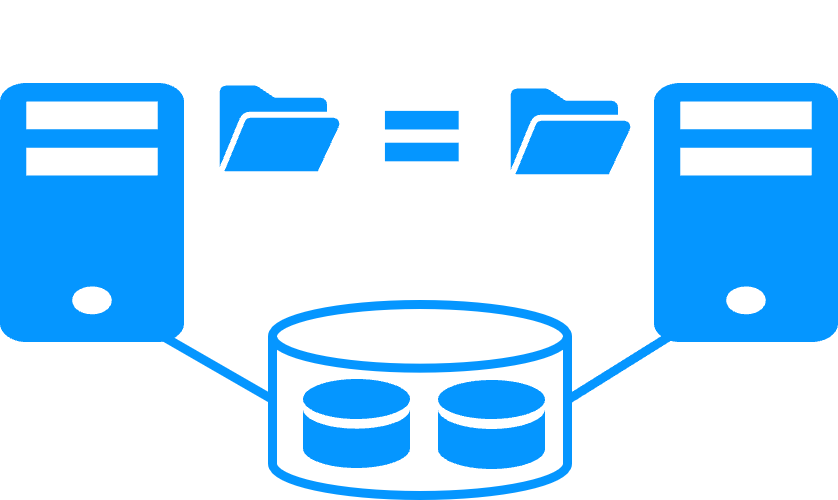
It is the replication of modifications inside disks between two servers (like DRBD).

For an automatic failover, synchronous replication between the disks is mandatory for having 0 data loss.

This data replication technique can replicate databases as well as other files. But, there is a strong impact on the organization of application data. All data must be localized in the relicated disk. This may be impossible if some data to replicate are in the system disk, because this disk must remain specific to each server.

Skills are required to configure a replicated disk with a file system and to configure application data in the replicated disk.

What is the data replication technique at file level?

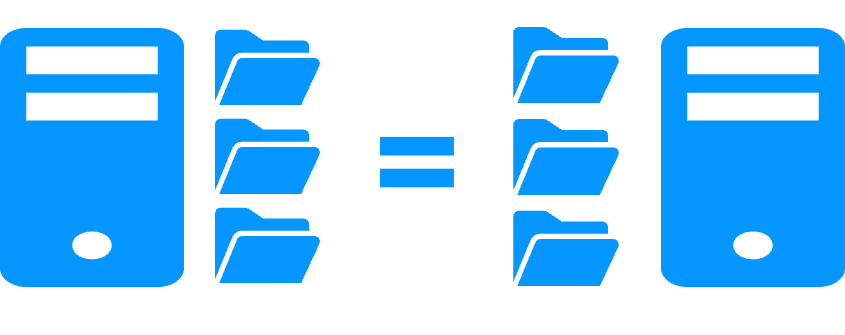
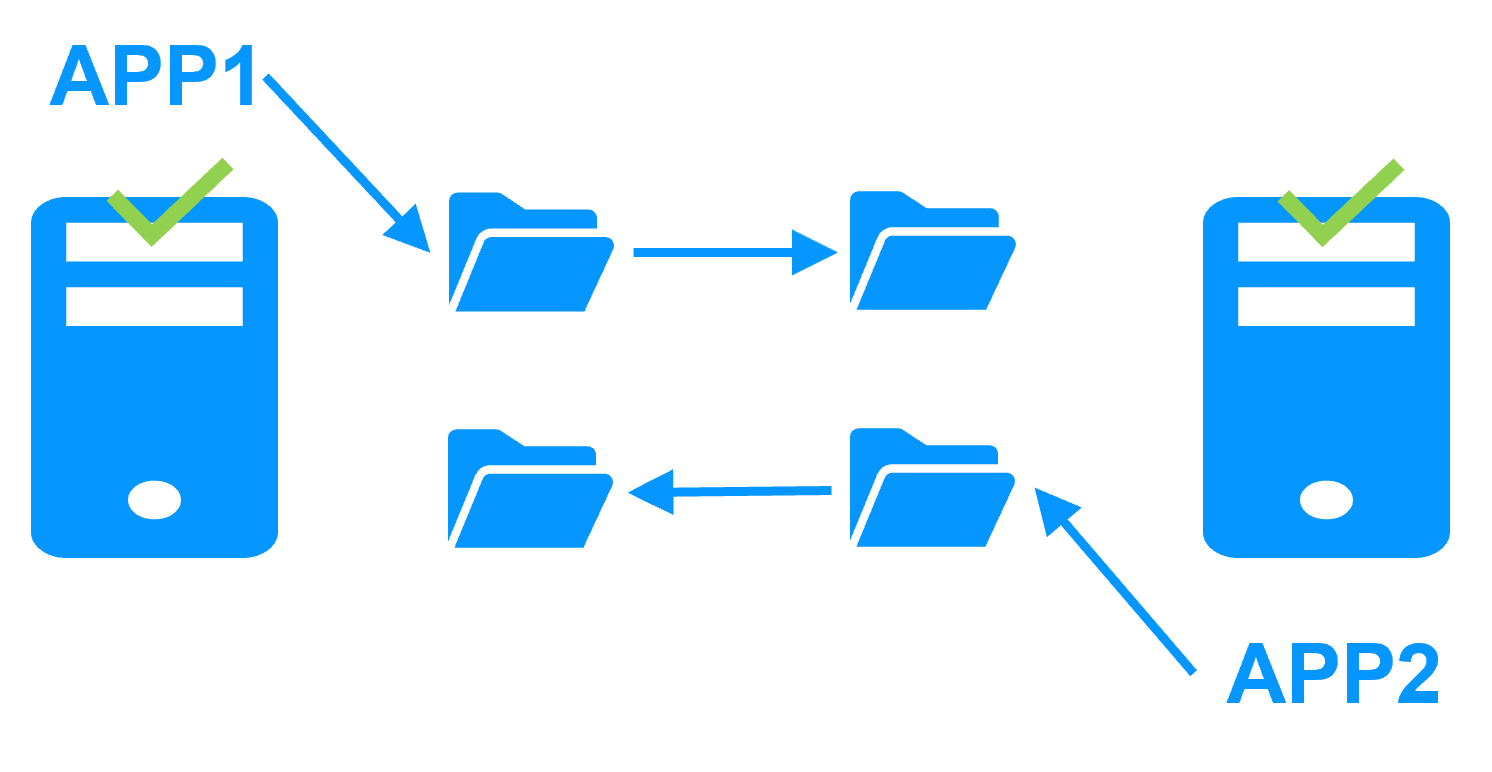
It is the replication of modifications inside files between two servers (like SafeKit).

For an automatic failover, real-time synchronous replication is required for having 0 data loss.

This data replication technique can replicate databases as well as other files. There is no impact on data organization for an application. For instance, if an application has its data in the system disk, real-time file replication is working.

The solution is very simple to configure as only the paths of directories to replicate are configured.

Comparative tables between data replication techniques

Pros and cons of data replication techniques on the SafeKit example

Evidian SafeKit mirror cluster with real-time file replication and failover

3 products in 1
More info >
Save costs with 3 products in 1
Very simple configuration
More info >
Simple configuration with a web console
Synchronous replication
More info >
Two servers with synchronous replication
Fully automated failback
More info >
Restarting a failed server with automatic failback
Replication of any type of data
More info >
Any replicated data
File replication vs disk replication
More info >
Choose between file replication vs disk replication
File replication vs shared disk
More info >
Choose between file replication vs shared disk
Remote sites and virtual IP address
More info >
Remote sites
Quorum and split brain
More info >
Quorum and split brain issue between remote sites
Active/active cluster
More info >
Active active mirror cluster
Uniform high availability solution
More info >
Uniform high availability solution with farm and mirror clusters
RTO / RPO
More info >
RPO / RTO for high availability clusters

How the SafeKit mirror cluster works?

Step 1. Real-time replication

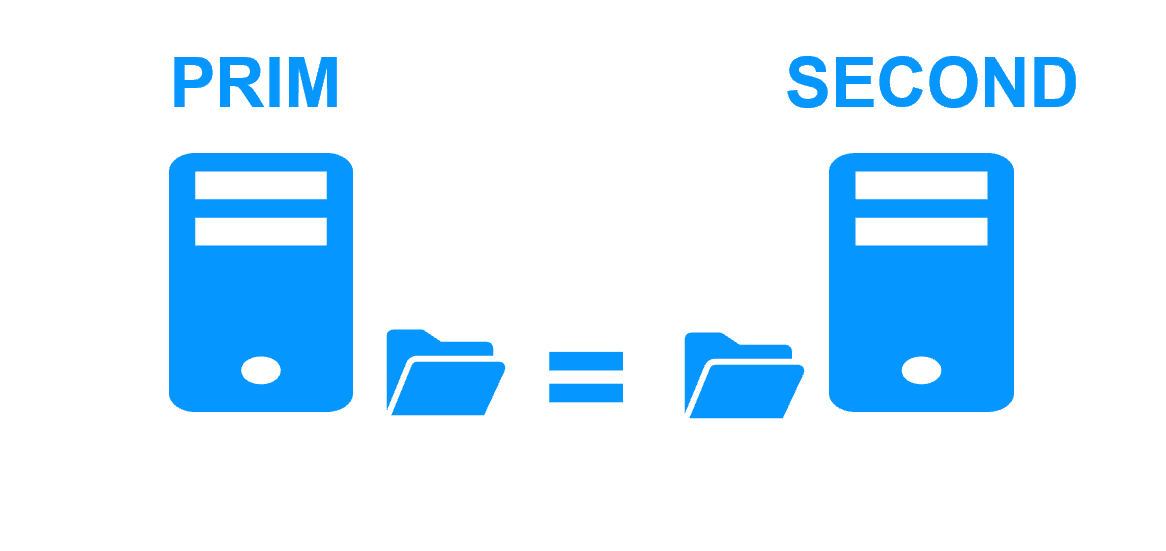
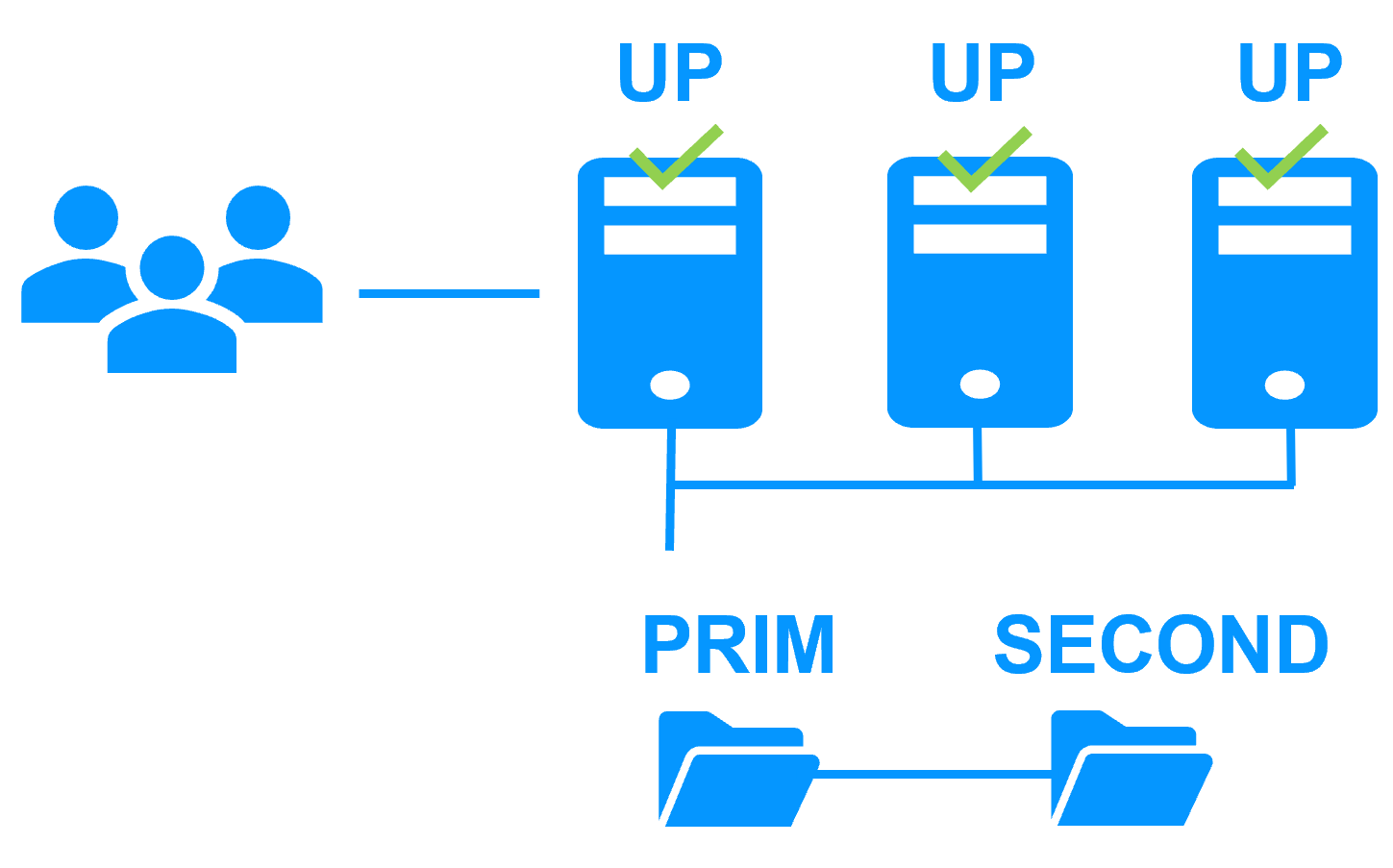
Server 1 (PRIM) runs the application. Clients are connected to a virtual IP address. SafeKit replicates in real time modifications made inside files through the network.

File replication at byte level in a mirror cluster

The replication is synchronous with no data loss on failure contrary to asynchronous replication.
You just have to configure the names of directories to replicate in SafeKit. There are no pre-requisites on disk organization. Directories may be located in the system disk.

Step 2. Automatic failover

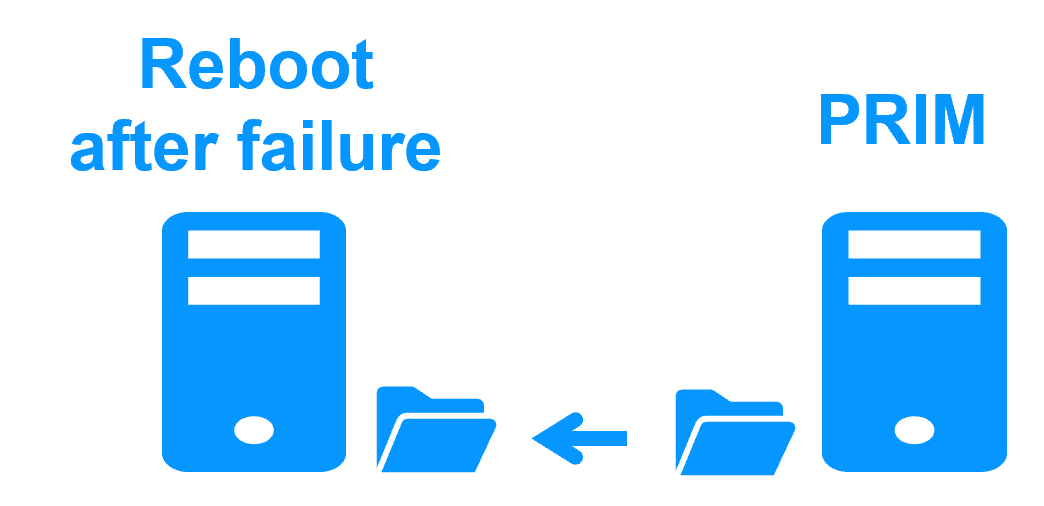
When Server 1 fails, Server 2 takes over. SafeKit switches the virtual IP address and restarts the application automatically on Server 2.
The application finds the files replicated by SafeKit uptodate on Server 2. The application continues to run on Server 2 by locally modifying its files that are no longer replicated to Server 1.

Failover in a mirror cluster

The failover time is equal to the fault-detection time (30 seconds by default) plus the application start-up time.

Step 3. Automatic failback

Failback involves restarting Server 1 after fixing the problem that caused it to fail.
SafeKit automatically resynchronizes the files, updating only the files modified on Server 2 while Server 1 was halted.

Failback in a mirror cluster

Failback takes place without disturbing the application, which can continue running on Server 2.

Step 4. Back to normal

After reintegration, the files are once again in mirror mode, as in step 1. The system is back in high-availability mode, with the application running on Server 2 and SafeKit replicating file updates to Server 1.

Return to normal operation in a mirror cluster

If the administrator wishes the application to run on Server 1, he/she can execute a "swap" command either manually at an appropriate time, or automatically through configuration.

Typical usage with SafeKit

Why a replication of a few Tera-bytes?

Resynchronization time after a failure (step 3)

  • 1 Gb/s network ≈ 3 Hours for 1 Tera-bytes.
  • 10 Gb/s network ≈ 1 Hour for 1 Tera-bytes or less depending on disk write performances.

Alternative

Why a replication < 1,000,000 files?

  • Resynchronization time performance after a failure (step 3).
  • Time to check each file between both nodes.

Alternative

  • Put the many files to replicate in a virtual hard disk / virtual machine.
  • Only the files representing the virtual hard disk / virtual machine will be replicated and resynchronized in this case.

Why a failover ≤ 32 replicated VMs?

  • Each VM runs in an independent mirror module.
  • Maximum of 32 mirror modules running on the same cluster.

Alternative

  • Use an external shared storage and another VM clustering solution.
  • More expensive, more complex.

Why a LAN/VLAN network between remote sites?

Alternative

  • Use a load balancer for the virtual IP address if the 2 nodes are in 2 subnets (supported by SafeKit, especially in the cloud).
  • Use backup solutions with asynchronous replication for high latency network.

SafeKit High Availability (HA) Solutions: Quick Installation Guides for Windows and Linux Clusters

This table presents the SafeKit High Availability (HA) solutions, categorized by application and operating environment (Databases, Web Servers, VMs, Cloud). Identify the specific pre‑configured .safe module (e.g., mirror.safe, farm.safe, and others) required for real‑time replication, load balancing, and automatic failover of critical business applications on Windows or Linux. Simplify your HA cluster setup with direct links to quick installation guides, each including a download link for the corresponding .safe module.

A SafeKit .safe module is essentially a pre‑configured High Availability (HA) template that defines how a specific application will be clustered and protected by the SafeKit software. In practice, it contains a configuration file (userconfig.xml) and restart scripts.

SafeKit High Availability (HA) Solutions: Quick Installation Guides (with downloadable .safe modules)
Application Category HA Scenario (High Availability) Technology / Product .safe Module Installation Guide
New Applications Real-Time Replication and Failover Windows mirror.safe View Guide: Windows Replication
New Applications Real-Time Replication and Failover Linux mirror.safe View Guide: Linux Replication
New Applications Network Load Balancing and Failover Windows farm.safe View Guide: Windows Load Balancing
New Applications Network Load Balancing and Failover Linux farm.safe View Guide: Linux Load Balancing
Databases Replication and Failover Microsoft SQL Server sqlserver.safe View Guide: SQL Server Cluster
Databases Replication and Failover PostgreSQL postgresql.safe View Guide: PostgreSQL Replication
Databases Replication and Failover MySQL mysql.safe View Guide: MySQL Cluster
Databases Replication and Failover Oracle oracle.safe View Guide: Oracle Failover Cluster
Databases Replication and Failover Firebird firebird.safe View Guide: Firebird HA
Web Servers Load Balancing and Failover Apache apache_farm.safe View Guide: Apache Load Balancing
Web Servers Load Balancing and Failover IIS iis_farm.safe View Guide: IIS Load Balancing
Web Servers Load Balancing and Failover NGINX farm.safe View Guide: NGINX Load Balancing
VMs and Containers Replication and Failover Hyper-V hyperv.safe View Guide: Hyper-V VM Replication
VMs and Containers Replication and Failover KVM kvm.safe View Guide: KVM VM Replication
VMs and Containers Replication and Failover Docker mirror.safe View Guide: Docker Container Failover
VMs and Containers Replication and Failover Podman mirror.safe View Guide: Podman Container Failover
VMs and Containers Replication and Failover Kubernetes K3S k3s.safe View Guide: Kubernetes K3S Replication
AWS Cloud Real-Time Replication and Failover AWS mirror.safe View Guide: AWS Replication Cluster
AWS Cloud Network Load Balancing and Failover AWS farm.safe View Guide: AWS Load Balancing Cluster
GCP Cloud Real-Time Replication and Failover GCP mirror.safe View Guide: GCP Replication Cluster
GCP Cloud Network Load Balancing and Failover GCP farm.safe View Guide: GCP Load Balancing Cluster
Azure Cloud Real-Time Replication and Failover Azure mirror.safe View Guide: Azure Replication Cluster
Azure Cloud Network Load Balancing and Failover Azure farm.safe View Guide: Azure Load Balancing Cluster
Physical Security / VMS Real-Time Replication and Failover Milestone XProtect milestone.safe View Guide: Milestone XProtect Failover
Physical Security / VMS Real-Time Replication and Failover Nedap AEOS nedap.safe View Guide: Nedap AEOS Failover
Physical Security / VMS Real-Time Replication and Failover Genetec (SQL Server) sqlserver.safe View Guide: Genetec SQL Failover
Physical Security / VMS Real-Time Replication and Failover Bosch AMS (Hyper-V) hyperv.safe View Guide: Bosch AMS Hyper-V Failover
Physical Security / VMS Real-Time Replication and Failover Bosch BIS (Hyper-V) hyperv.safe View Guide: Bosch BIS Hyper-V Failover
Physical Security / VMS Real-Time Replication and Failover Bosch BVMS (Hyper-V) hyperv.safe View Guide: Bosch BVMS Hyper-V Failover
Physical Security / VMS Real-Time Replication and Failover Hanwha Vision (Hyper-V) hyperv.safe View Guide: Hanwha Vision Hyper-V Failover
Physical Security / VMS Real-Time Replication and Failover Hanwha Wisenet (Hyper-V) hyperv.safe View Guide: Hanwha Wisenet Hyper-V Failover
Siemens Products Real-Time Replication and Failover Siemens Siveillance suite (Hyper-V) hyperv.safe View Guide: Siemens Siveillance HA
Siemens Products Real-Time Replication and Failover Siemens Desigo CC (Hyper-V) hyperv.safe View Guide: Siemens Desigo CC HA
Siemens Products Real-Time Replication and Failover Siemens Siveillance VMS SiveillanceVMS.safe View Guide: Siemens Siveillance VMS HA
Siemens Products Real-Time Replication and Failover Siemens SiPass (Hyper-V) hyperv.safe View Guide: Siemens SiPass HA
Siemens Products Real-Time Replication and Failover Siemens SIPORT (Hyper-V) hyperv.safe View Guide: Siemens SIPORT HA
Siemens Products Real-Time Replication and Failover Siemens SIMATIC PCS 7 (Hyper-V) hyperv.safe View Guide: SIMATIC PCS 7 HA
Siemens Products Real-Time Replication and Failover Siemens SIMATIC WinCC (Hyper-V) hyperv.safe View Guide: SIMATIC WinCC HA