eviden-logo

Evidian > Products > SafeKit: All-in-One SANless High Availability & Application Clustering Software > Microsoft Azure: The Simplest Load Balancing Cluster with Failover on Windows and Linux

Microsoft Azure: The Simplest Load Balancing Cluster with Failover on Windows and Linux

Evidian SafeKit

How the Evidian SafeKit software simply implements a load balancing cluster with failover in Microsoft Azure?

The solution in Microsoft Azure

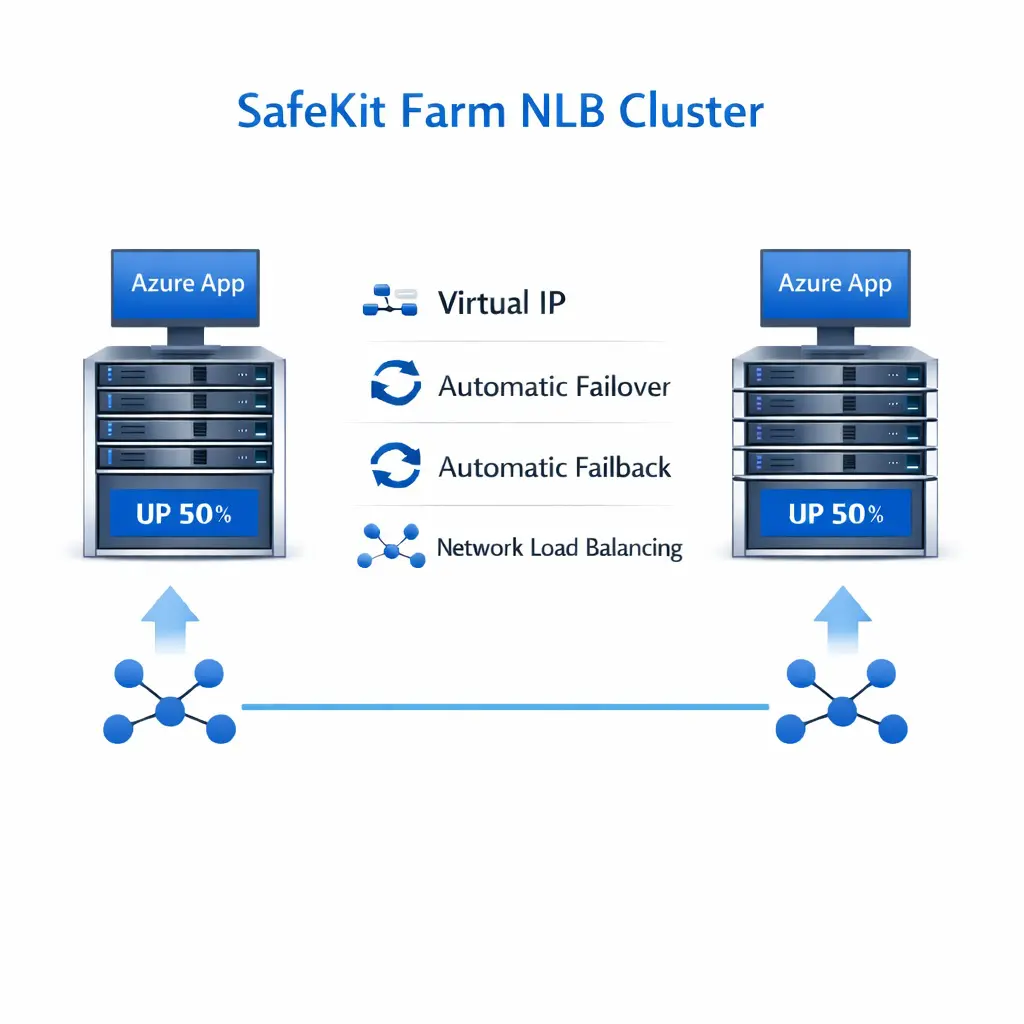
Evidian SafeKit brings load balancing and failover in Microsoft Azure between two Windows or Linux redundant servers or more.

This article explains how to implement quickly a Microsoft Azure cluster without specific skills.

A generic product

Note that SafeKit is a generic product on Windows and Linux.

You can implement with the same product real-time replication and failover of any file directory and service, database, complete Hyper-V or KVM virtual machines, Docker, Kubernetes, Cloud applications (see all solutions).

Architecture

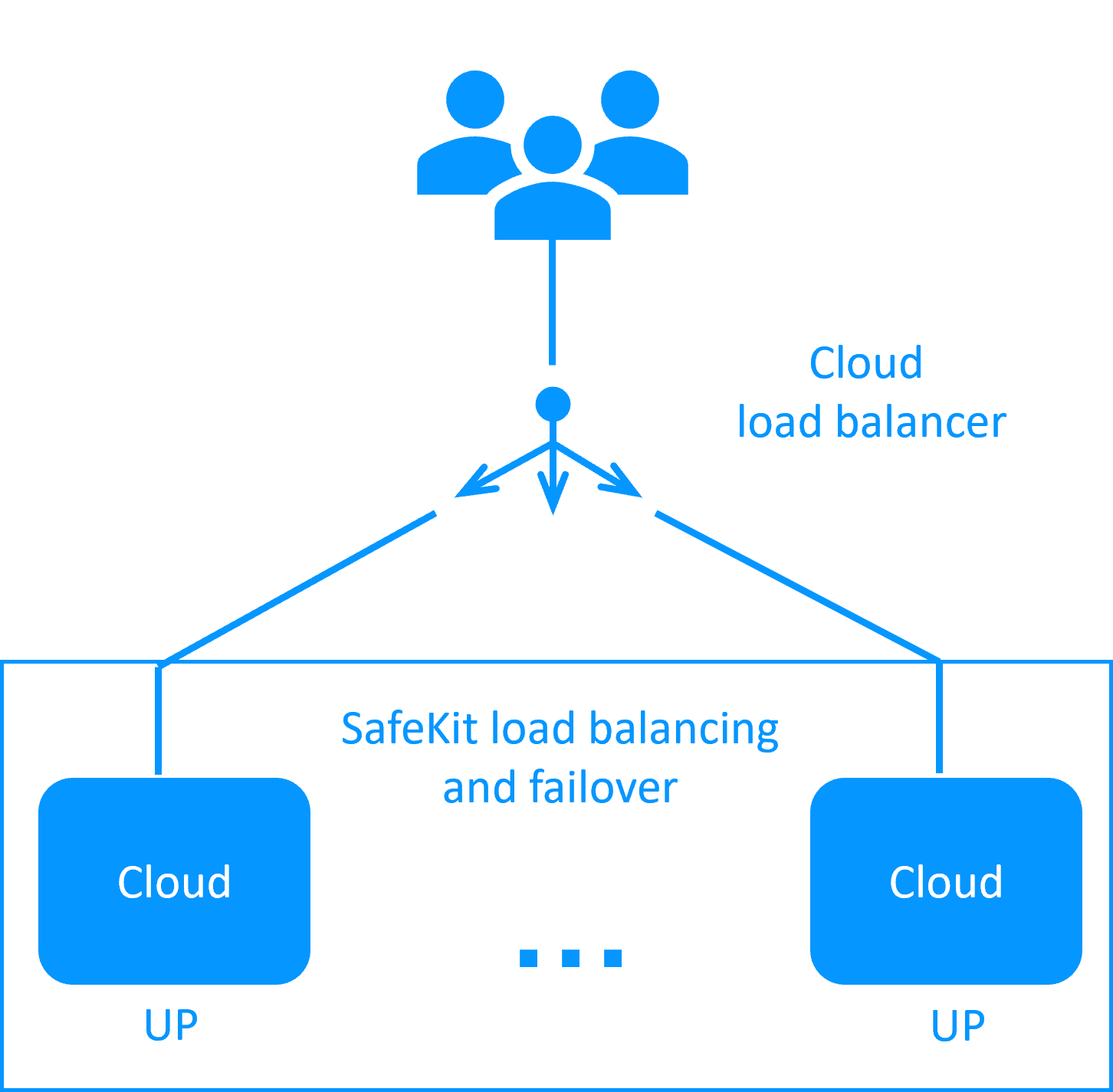
How the Evidian SafeKit farm cluster implements load balancing and failover in Microsoft Azure?

How it works in Microsoft Azure?

  • The servers are running in different availability zones.
  • The critical application is running in all servers of the farm.
  • Users are connected to a virtual IP address which is configured in the Microsoft Azure load balancer.
  • SafeKit provides a generic health check for the load balancer.
    When the farm module is stopped in a server, the health check returns NOK to the load balancer which stops the load balancing of requests to the server.
    The same behavior happens when there is a hardware failure.
  • In each server, SafeKit monitors the critical application with process checkers and custom checkers.
  • SafeKit restarts automatically the critical application in a server when there is a software failure thanks to restart scripts.
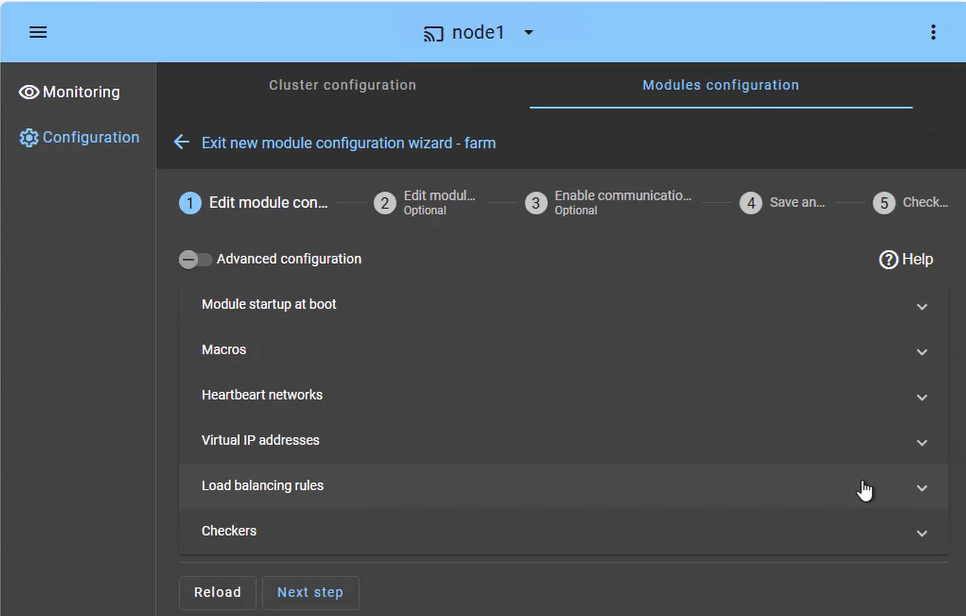
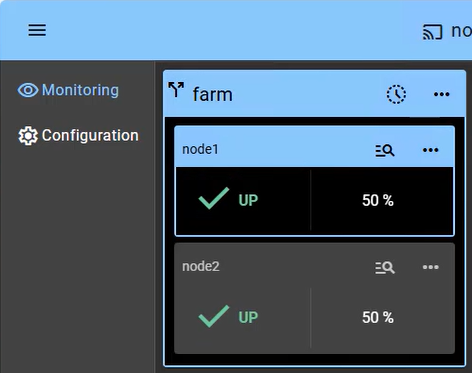
  • A connector for the SafeKit web console is installed in each server.
    Thus, the load balancing cluster can be managed in a very simple way to avoid human errors.

๐Ÿ” SafeKit High Availability Navigation Hub

Explore SafeKit: Features, technical videos, documentation, and free trial
Resource Type Description Direct Link
Key Features Why Choose SafeKit for Simple and Cost-Effective High Availability? See Why Choose SafeKit for High Availability
Deployment Model All-in-One SANless HA: Shared-Nothing Software Clustering See SafeKit All-in-One SANless HA
Partners SafeKit: The Benchmark in High Availability for Partners See Why SafeKit Is the HA Benchmark for Partners
HA Strategies SafeKit: Infrastructure (VM) vs. Application-Level High Availability See SafeKit HA & Redundancy: VM vs. Application Level
Technical Specifications Technical Limitations for SafeKit Clustering See SafeKit High Availability Limitations
Proof of Concept SafeKit: High Availability Configuration & Failover Demos See SafeKit Failover Tutorials
Architecture How the SafeKit Mirror Cluster works (Real-Time Replication & Failover) See SafeKit Mirror Cluster: Real-Time Replication & Failover
Architecture How the SafeKit Farm Cluster works (Network Load Balancing & Failover) See SafeKit Farm Cluster: Network Load Balancing & Failover
Competitive Advantages Comparison: SafeKit vs. Traditional High Availability (HA) Clusters See SafeKit vs. Traditional HA Cluster Comparison
Technical Resources SafeKit High Availability: Documentation, Downloads & Trial See SafeKit HA Free Trial & Technical Documentation
Pre-configured Solutions SafeKit Application Module Library: Ready-to-Use HA Solutions See SafeKit High Availability Application Modules
FAQ Frequently Asked Questions on Architecture, Technical specs, Features See SafeKit HA FAQ