Configuration of the Amazon AWS load balancer
The load balancer must be configured with a virtual IP address.
And the load balancer must be configured to periodically send health packets to nodes.
For that, SafeKit provides a health check which runs inside the nodes and which
- returns OK when the farm module state is UP (green)
- returns NOT FOUND in all other states
You must configure the Amazon AWS load balancer with:
- HTTP protocol
- port 9010, the SafeKit web server port
- URL /var/modules/farm/ready.txt (if farm is the module name that you will deploy later)
For more information, see the configuration of the Amazon AWS load balancer.
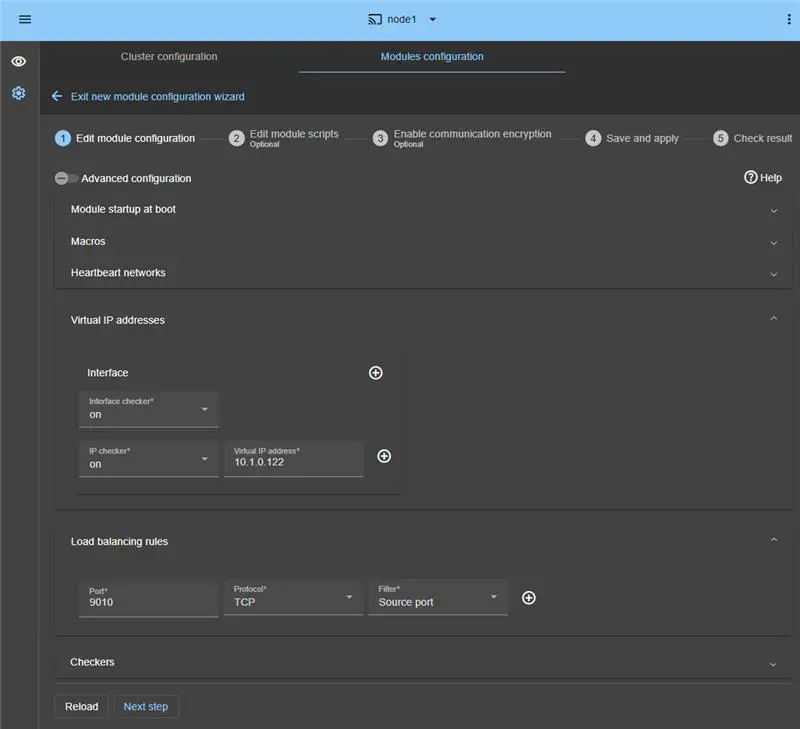
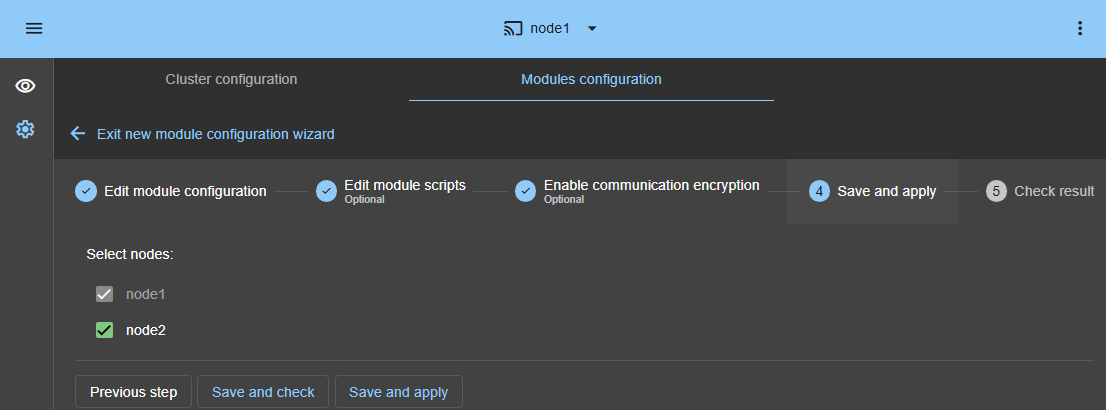
Do not configure a virtual IP address and load balancing rules at step 4 in the step by step configuration below. The virtual IP address and load balancing rules are already set in the Amazon AWS load balancer. Setting a virtual IP and load balancing rules at step 4 is useful for on-premise configuration only.
Configuration of the Amazon AWS network security
The network security must be configured to enable communications for the following protocols and ports:
- UDP - 4800 for the safeadmin service (between SafeKit nodes)
- UDP - 4803 for the heartbeat inside the farm module (between SafeKit nodes)
- TCP – 9010 for the load-balancer health check and for the SafeKit web console running in the http mode
- TCP – 9001 to configure the https mode for the console
- TCP – 9453 for the SafeKit web console running in https mode