eviden-logo

Evidian > Products > SafeKit: All-in-One SANless High Availability & Application Clustering Software > Shared nothing architecture vs shared disk architecture

Shared nothing architecture vs shared disk architecture

Evidian SafeKit

Shared nothing architecture vs shared disk architecture for high availability clusters

Overview

This article explores the pros and cons of shared nothing architecture vs shared disk architecture for high availability clusters. We are looking at hardware constraints, impact on application data organization, recovery time, simplicity of implementation.

Shared nothing architecture vs shared disk architecture

The following comparative tables explain in detail the difference between shared disk architecture and SafeKit, a software clustering product implementing a shared nothing architecture.

What is a shared disk architecture?

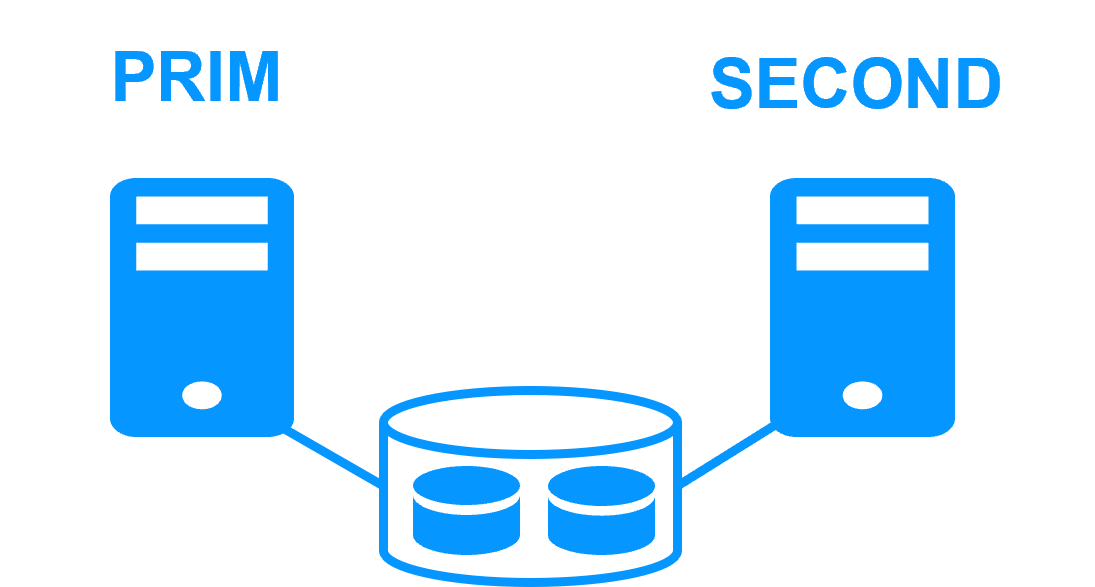
A shared disk architecture (like with Microsoft failover cluster) is based on 2 servers sharing a disk with an automatic application failover in case of hardware of software failures.

This architecture has hardware constraints: the specific external shared storage, the specific cards to install inside the servers, and the specific switches between the servers and the shared storage.

A shared disk architecture has a strong impact on the organization of application data. All application data must be localized in the shared disk for a restart after a failover.

Moreover, on failover, the file system recovery procedure must be executed on the shared disk. This increases the recovery time (RTO).

Finally, the solution is not easy to configure because skills are required to configure the specific hardware. Additionally, application skills are required to configure application data in the shared disk.

What is a shared nothing architecture ?

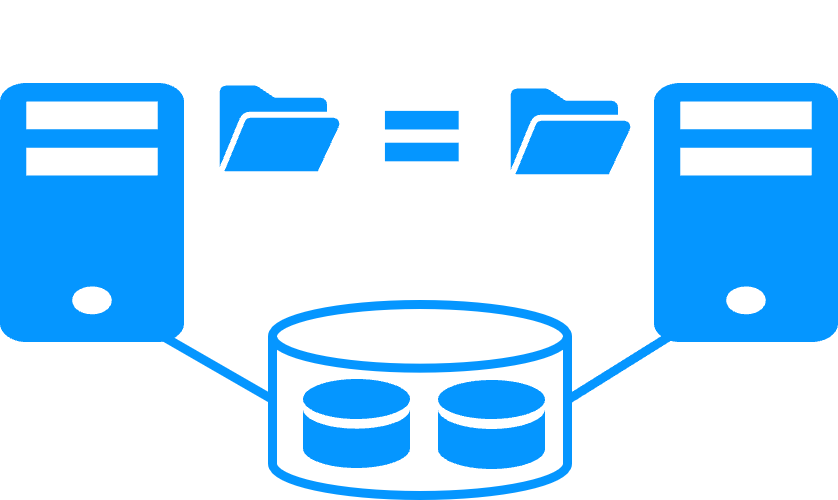
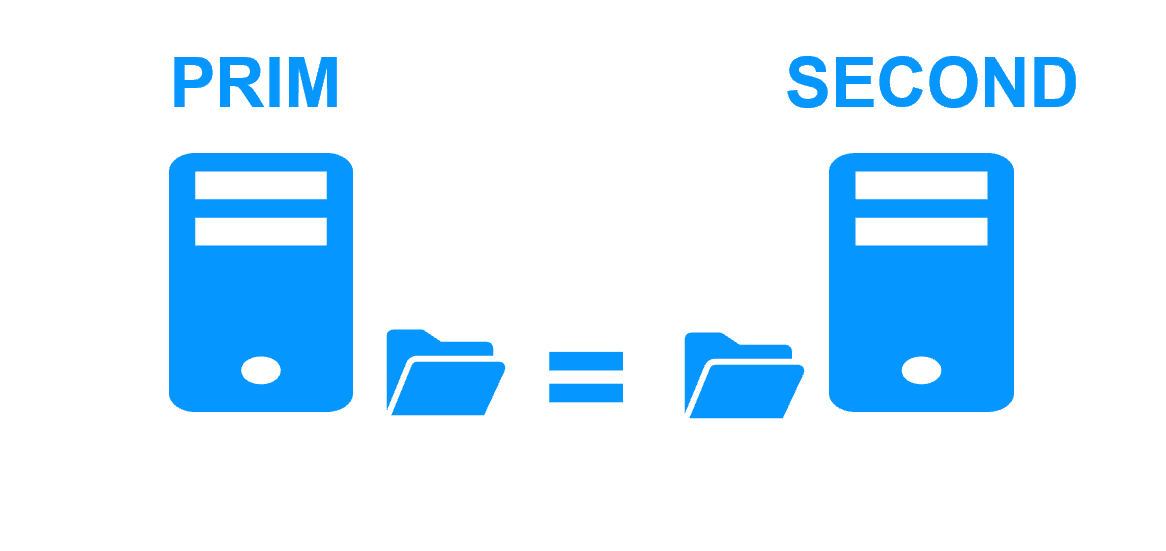
A shared nothing architecture (like with SafeKit) is based on 2 servers replicating data in real-time with an automatic application failover in case of hardware of software failures.

There are two types of data replication: byte level file replication vs block level disk replication. We consider here byte level file replication because it has many advantages against block level disk replication.

The shared nothing architecture has no hardware constraints: the servers can be physical or virtual with any type of disk organization. Real-time file replication (synchronous for having 0 data loss) is made through the standard network between servers.

This architecture has no impact on application data organization. For instance, if an application has its data in the system disk, real-time file replication is working.

Recovery time (RTO) in the event of a failover is reduced to the application restart time on the secondary server's replicated files.

Finally, the solution is very simple to configure as only the paths of directories to replicate are configured.

Pros and cons of shared nothing architecture vs shared disk architecture

Shared nothing architecture

Shared nothing architecture

Shared disk architecture

Shared disk architecture

Product
SafeKit on Windows and Linux Clustering toolkit for shared disk
Extra hardware
No - Use internal disks of servers Yes - Extra cost with a shared bay of disks
Application data organization
0 impact on application data organization with SafeKit.

Just define directories to replicate in real-time.

Even directories inside the system disk can be replicated.

Impact on application data organization.

Special configuration of the application to put its data in a shared disk.

Data in the system disk cannot be recovered.

Complexity of deployment
No - install a software on 2 servers Yes - require specific IT skills to configure OS and shared disk
Failover
Just restart the application on the second server. Switch the shared disk.

Remount the file system.

Pass the recovery procedure on the file system.

And then restart the application.

Disaster revovery
Just put the 2 servers in 2 remotes sites connected by an extended LAN. Extra cost with a second bay of disks.

Specific IT skills to configure mirroring of bays across a SAN.

Quorum and split brain
Application executed on a single server after a network isolation (split brain).

Coherency of data after a split brain.

No need for a third machine or a quorum disk or a special heartbeat line for split brain.

More information on heartbeat, failover and quorum

Require a special quorum disk or a third quorum server to avoid data corruption on split brain
Suited for
Software editors which want to add a simple high availability option to their application Enterprise with IT skills in clustering and with large database applications

Video comparing a shared disk architecture and a shared nothing architecture when considering disaster recovery

Video content

This video first illustrates the work to be done with a shared disk architecture when the two servers of a high availability cluster must be placed on two remote sites.

Next, the video demonstrates the same use case with the SafeKt shared nothing architecture.

๐Ÿ” SafeKit High Availability Navigation Hub

Explore SafeKit: Features, technical videos, documentation, and free trial
Resource Type Description Direct Link
Key Features Why Choose SafeKit for Simple and Cost-Effective High Availability? See Why Choose SafeKit for High Availability
Deployment Model All-in-One SANless HA: Shared-Nothing Software Clustering See SafeKit All-in-One SANless HA
Partners SafeKit: The Benchmark in High Availability for Partners See Why SafeKit Is the HA Benchmark for Partners
HA Strategies SafeKit: Infrastructure (VM) vs. Application-Level High Availability See SafeKit HA & Redundancy: VM vs. Application Level
Technical Specifications Technical Limitations for SafeKit Clustering See SafeKit High Availability Limitations
Proof of Concept SafeKit: High Availability Configuration & Failover Demos See SafeKit Failover Tutorials
Architecture How the SafeKit Mirror Cluster works (Real-Time Replication & Failover) See SafeKit Mirror Cluster: Real-Time Replication & Failover
Architecture How the SafeKit Farm Cluster works (Network Load Balancing & Failover) See SafeKit Farm Cluster: Network Load Balancing & Failover
Competitive Advantages Comparison: SafeKit vs. Traditional High Availability (HA) Clusters See SafeKit vs. Traditional HA Cluster Comparison
Technical Resources SafeKit High Availability: Documentation, Downloads & Trial See SafeKit HA Free Trial & Technical Documentation
Pre-configured Solutions SafeKit Application Module Library: Ready-to-Use HA Solutions See SafeKit High Availability Application Modules
FAQ Frequently Asked Questions on Architecture, Technical specs, Features See SafeKit HA FAQ